Quick answer
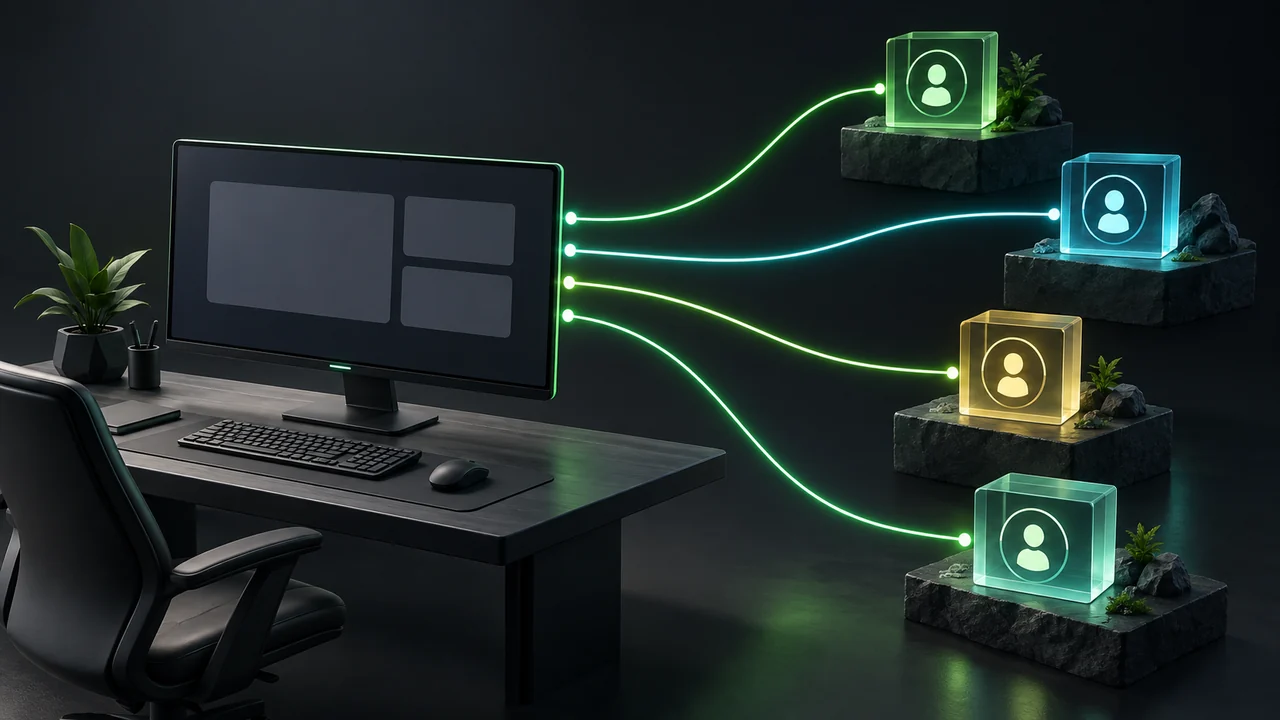
PropFirmConnector connects separate prop firm Rithmic logins in one NinjaTrader 8 installation. Ninja Watchdog monitors the Windows machine and attempts platform, account and strategy recovery after interruptions. Verify each login and copier mapping individually after recovery.
- Multiple accounts under one login differ from multiple independent Rithmic logins.
- Confirm the connection route for the specific account type before buying.
- Recovery must restore the intended account and strategy mapping, not merely open NinjaTrader.
Map accounts and logins before consolidating
List each prop firm, account identifier, Rithmic login, connection System value and associated strategy. Distinguish several accounts under one login from separate logins: they have different connection requirements.
If you use a copier, record its lead and follower assignments too. Putting every account in one platform simplifies access but makes that platform and Windows machine shared dependencies.
Connect separate Rithmic logins
The standard NinjaTrader Rithmic connection path has a single-live-session limitation. PropFirmConnector supports separate Rithmic logins side by side in one installation, including accounts from different supported firms.
Check that each intended account appears in the account list before configuring strategies or a copier. A successful login for one firm does not establish that another login, System value or account type is correct.
Confirm the account-specific connection route
Some firms offer both native NinjaTrader accounts and separate Rithmic account types. The firm name alone therefore does not tell you which connection setup to use. Use the instructions for the account you purchased.
PropFirmConnector publishes firm-specific setup guides with the required Rithmic System value. Check those current instructions for compatibility and credentials; firm offerings can change.
Separate a shared outage from one failed account
Working orders and positions may remain at the provider while local automation is interrupted. Check the account’s actual state before resuming; do not infer it from the platform window or a recovery email.
| Symptom | Scope to check | Recovery requirement |
|---|---|---|
| Windows or VPS reboot | All software on that machine | Restore Windows access, NinjaTrader and any copier before checking individual accounts. |
| NinjaTrader crash | Accounts and strategies in that installation | Relaunch the platform, reconnect accounts and inspect strategy state. |
| One Rithmic login disconnects | Accounts associated with that login | Restore the correct session and check its affected strategies. |
| Copier stops following | Lead/follower mapping and each account | Verify the copier separately; an open platform does not prove copying resumed. |
Test recovery with the intended account mapping
Install Ninja Watchdog on the computer running NinjaTrader. Its recovery workflow attempts relaunch, sign-in, account reconnection and restoration of previously running strategies. Email reports recovery events, and cloud monitoring can report a computer that stops checking in.
Windows reboot recovery needs startup and sign-in configured. Provider outages, invalid credentials or unavailable accounts can prevent completion. Test the configured sequence in simulation and verify every intended account and strategy afterward.
- Record each account’s instrument, strategy instance, enabled state and copier role.
- Trigger one controlled interruption and check the resulting recovery log.
- Compare account, data, strategy and copier state with the recorded setup.
Common questions
Does recovery software copy trades between accounts?
Ninja Watchdog handles platform recovery. Configure and verify copying in the copier you use; account reconnection does not prove that its lead and follower mappings resumed.
Can enabling a strategy affect orders?
Yes. NinjaTrader strategy startup and synchronization behavior can affect positions and submit reconciliation orders. Review those settings for each account before testing automated restoration.
Official sources
Multi-account recovery
Configure recovery for your trading computer
Monitor NinjaTrader and verify account and strategy recovery in your setup.