Crash and reboot recovery
Recover NinjaTrader after platform crashes, Windows updates, VPS restarts, and unattended reboots.
Blog
Practical guides for keeping NinjaTrader automated strategies running through crashes, disconnects, repairs, alerts, and Windows or VPS reboots.
No charge today · Cancel anytime · Plans from $49/mo after the trial
Start by problem
Recover NinjaTrader after platform crashes, Windows updates, VPS restarts, and unattended reboots.
Separate connection state from data readiness when charts, providers, or account connections recover slowly.
Get automated strategies running again after restart, reconnect, account readiness, and platform recovery events.
Use safer repair steps, workspace recovery, and alerting so technical problems do not stay invisible.
Articles 1–12 of 29Newest published first

Strategy execution
Calculate controls when bar logic runs. See what changes between bar-close, tick and price-change processing, and why historical data needs separate attention.
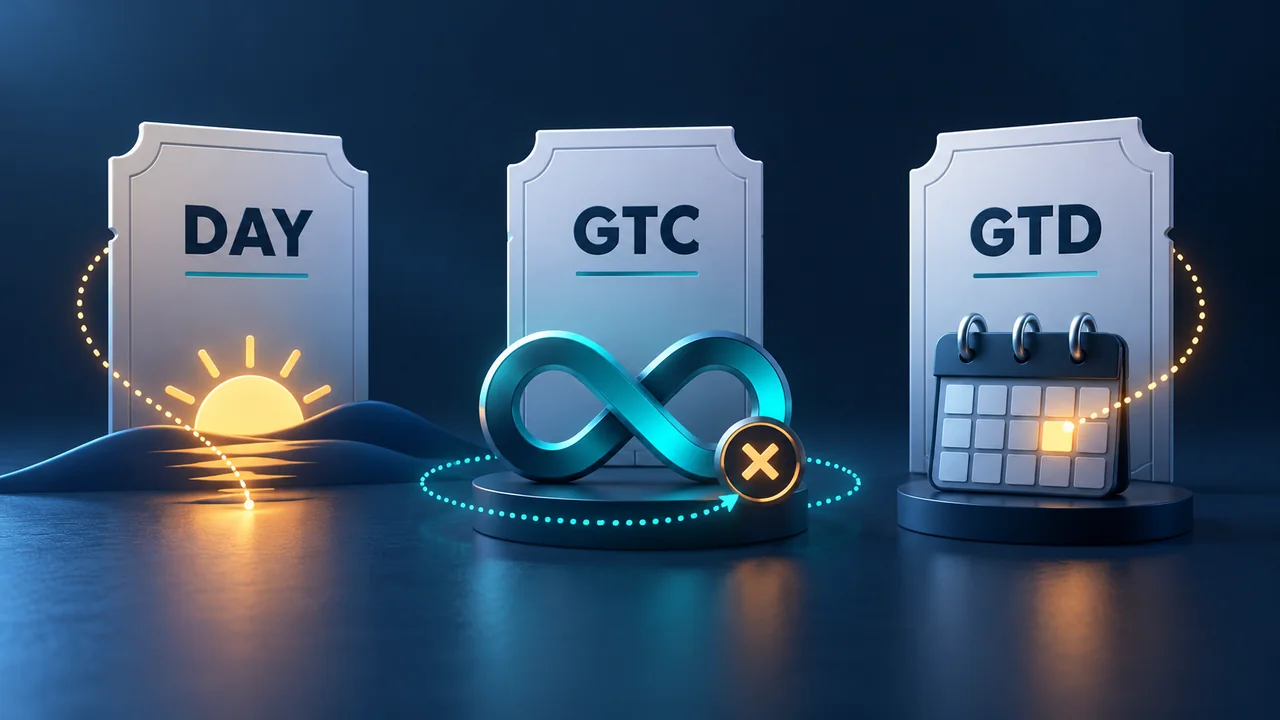
Order management
An order's expiry setting and a strategy's session-close behavior are different. Learn the DAY, GTC and GTD rules, including locally simulated GTD.
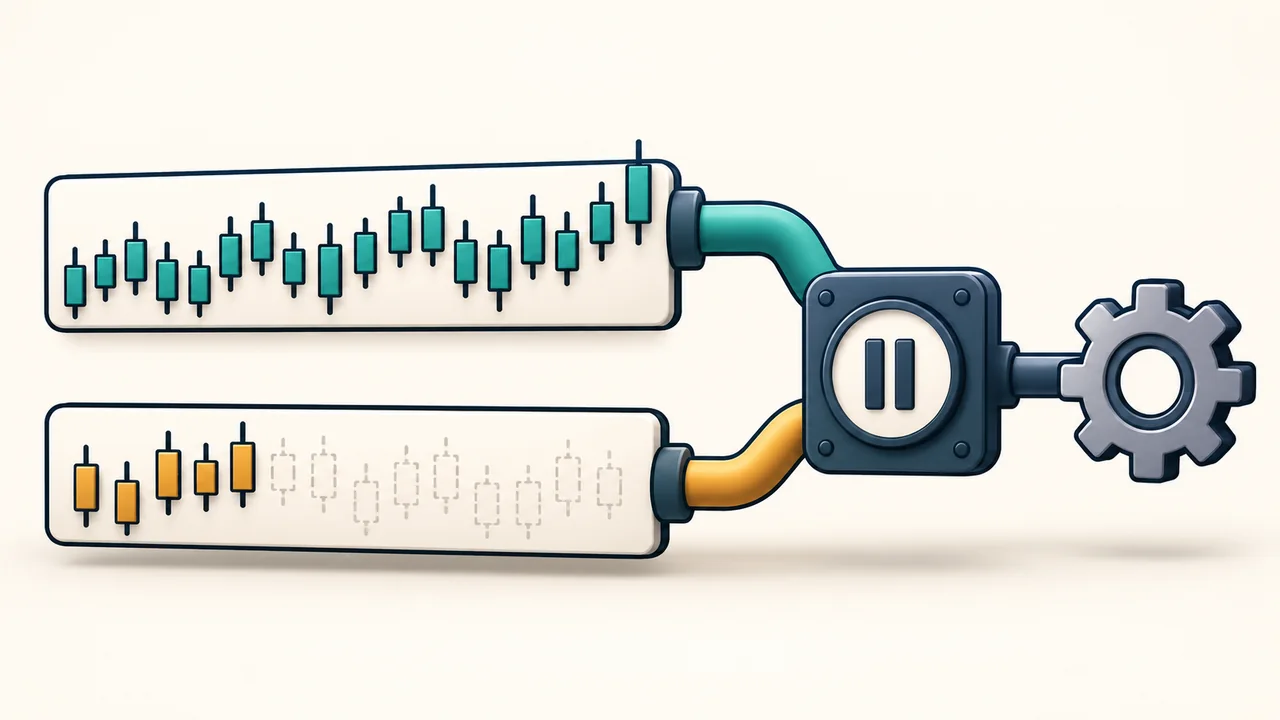
Strategy data
Enabled does not mean every data series has enough history. Check the bar threshold, CurrentBars indexes and the separate startup state.
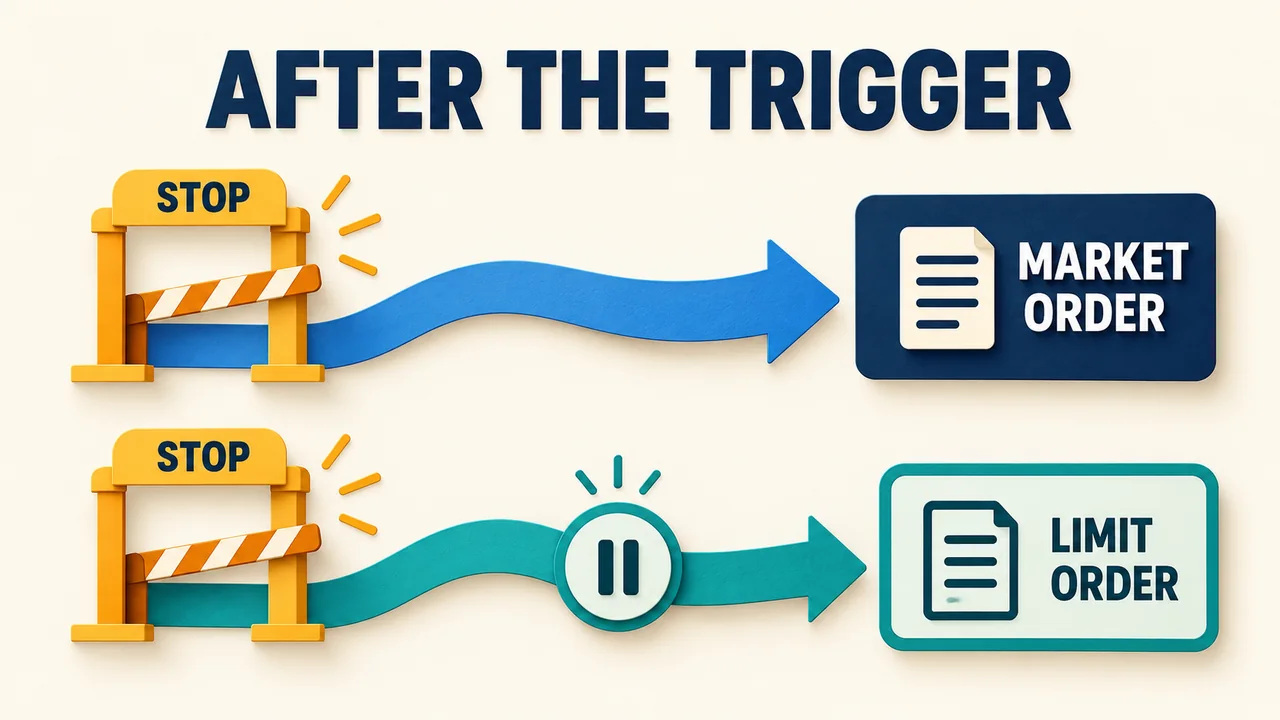
Order management
A stop price activates an order; it does not confirm a fill. Compare the two stop types, limit offsets, and locally simulated triggers.
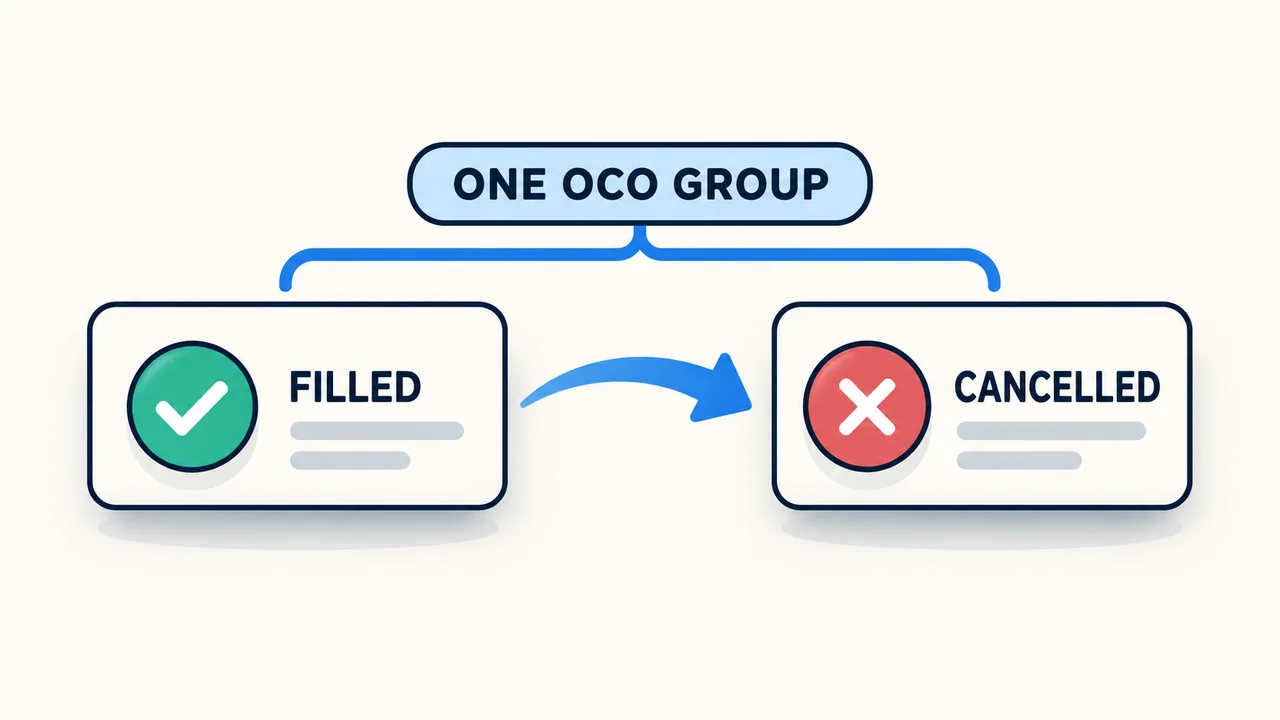
Order management
An OCO group links order outcomes. Learn why cancelling one order can remove another, when IDs reset, and what changes after a disconnection.

Windows reliability
A dark monitor can leave NinjaTrader running. A sleeping computer cannot keep executing its desktop strategy logic. Check the power state behind the gap.
Strategy automation
An ATM manages a trade's exits; a NinjaScript strategy can generate its signals. Combining them changes how you track orders, positions and results.
Simulation and testing
Choose the right data and simulation account, understand why fills differ, and save your replay results before a reset.
Platform diagnostics
Find the diagnostic files support needs, collect them after a crash, and distinguish a Log-tab export from the full log and trace package.
NinjaTrader repair
A workspace export preserves layouts; a backup archive can preserve configuration, trade history, scripts and diagnostics. Select what matters before repair, then verify what returns.
Trading hours and sessions
A session filter can look like downtime. Compare the clocks, holiday exceptions and data series before treating the gap as a connection failure.
Futures contract rollover
Changing a chart contract does not finish an automated-strategy rollover. Separate workspace changes, strategy settings, live positions and historical data.
Monitor NinjaTrader, recover supported crashes and disconnects, and receive recovery alerts. Try Ninja Watchdog free for 30 days on the Windows computer that runs your strategies.