Quick answer
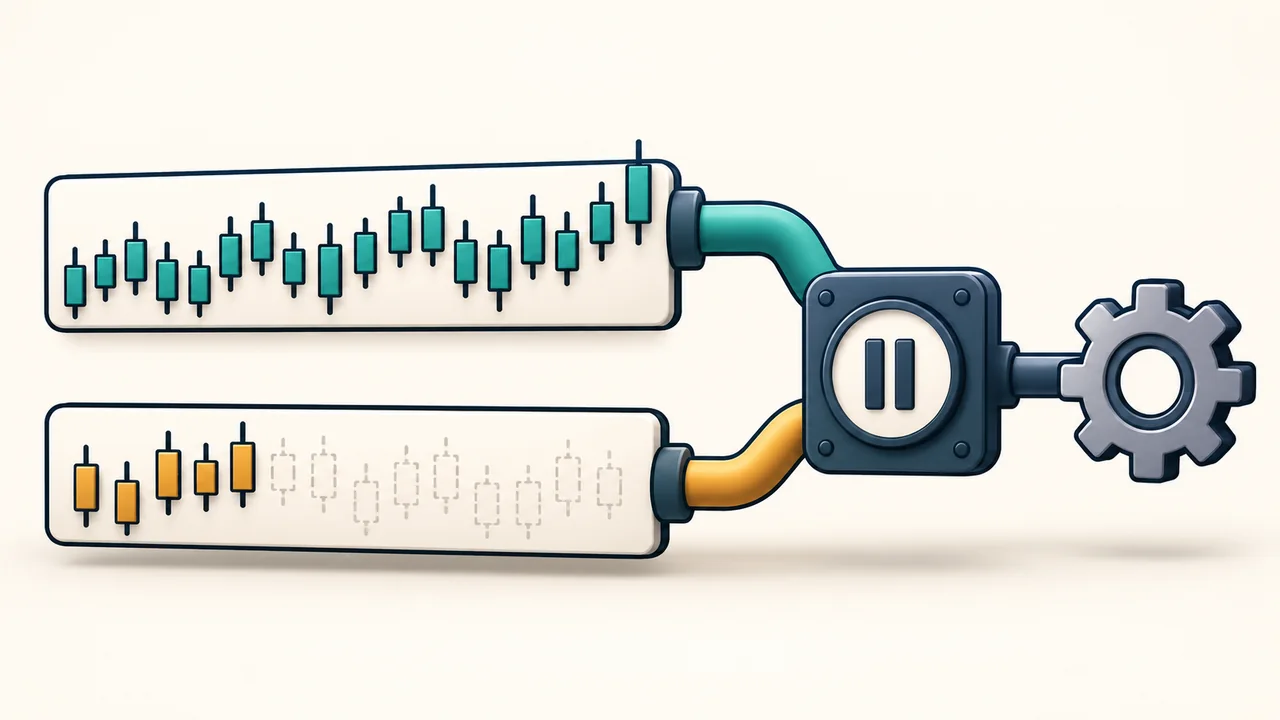
BarsRequiredToTrade sets the historical-bar threshold before NinjaTrader processes strategy order methods called from OnBarUpdate. Its default is 20. An enabled strategy can still lack the required history, especially when it uses multiple data series. Passing that threshold does not itself create an entry signal.
Check the setting on the strategy's own data series
Open the configured strategy's properties and inspect Data Series and Bars Required to Trade. Confirm the instrument and interval used by that instance. Enabled, Calculate and Start Behavior are separate controls; none is a substitute for the history requirement.
The requirement concerns available bars, not minutes elapsed since restarting NinjaTrader. A chart with substantial history may already meet it. A different interval or added series may have much less usable history. Lowering the threshold does not supply missing data or establish that the strategy's calculations are ready.
CurrentBar is an index, so the first bar is zero
CurrentBar identifies the bar being processed. Index 0 is the first bar, index 1 is the second, and index 20 is the twenty-first.
This matters when reading a guard such as CurrentBar < 20. That condition returns early for indexes 0 through 19 and stops blocking at index 20. Read the actual comparison in the script; do not treat the index as a one-based bar count.
That boundary only describes this guard. Other conditions can still prevent an order after it passes.
A ready primary series does not prove the others are ready
NinjaTrader documents the built-in BarsRequiredToTrade restriction as applying to the primary Bars object. A strategy that combines series must also check the history needed by its additional series.
CurrentBars provides a separate processed-bar index for each series. Index 0 in this array refers to the primary series; the added series follow it. Values can be -1 during startup before all series have processed their first bar.
Consider an illustrative strategy whose guard requires both series to reach index 20:
| Observed value | What the guard sees |
|---|---|
| CurrentBars[0] = 80 | The primary series passes. |
| CurrentBars[1] = 12 | The added series is still below the threshold. |
| Both checks must pass | Order logic after the guard still waits. |
Separate history checks from event routing
For a multi-series script, inspect each required CurrentBars value together with BarsInProgress. The former tells you how far each series has progressed; the latter identifies which series caused the current OnBarUpdate call.
A script can have sufficient history but return because this update came from a series its order logic does not use. Calculate also controls when bar updates reach the script. These are different causes from an unmet history threshold.
If the source is available, compare the early-return checks with the indicator lookbacks and series actually referenced. For a third-party strategy, those requirements need the developer's explanation; a green strategy name cannot reveal them.
Plot visibility and waiting until flat are separate checks
BarsRequiredToPlot controls when an indicator starts displaying its plots. NinjaTrader documents that the indicator can calculate from its first bar even while the plot remains hidden. An empty plot therefore does not, by itself, diagnose a strategy's order gate.
Likewise, an enabled strategy waiting until its calculated position becomes flat has a separate startup condition to understand. Loading more bars and changing startup synchronization are different actions. Use the existing startup guide if the strategy is disabled or waiting until flat.
Official sources
Platform recovery
Monitor the platform around your strategy
Ninja Watchdog monitors NinjaTrader and can restore eligible strategies after supported interruptions. The strategy's history requirements and entry rules still apply. Email alerts are available today; SMS and WhatsApp are coming soon.