Strategy automation
NinjaTrader ATM vs NinjaScript strategies: who manages the orders?
An ATM manages a trade's exits; a NinjaScript strategy can generate its signals. Combining them changes how you track orders, positions and results.
Blog
Practical guides for keeping NinjaTrader automated strategies running through crashes, disconnects, repairs, alerts, and Windows or VPS reboots.
Articles 13–24 of 35Newest published first
Strategy automation
An ATM manages a trade's exits; a NinjaScript strategy can generate its signals. Combining them changes how you track orders, positions and results.

Simulation and testing
Choose the right data and simulation account, understand why fills differ, and save your replay results before a reset.
Platform diagnostics
Find the diagnostic files support needs, collect them after a crash, and distinguish a Log-tab export from the full log and trace package.
NinjaTrader repair
A workspace export preserves layouts; a backup archive can preserve configuration, trade history, scripts and diagnostics. Select what matters before repair, then verify what returns.

Trading hours and sessions
A session filter can look like downtime. Compare the clocks, holiday exceptions and data series before treating the gap as a connection failure.

Futures contract rollover
Changing a chart contract does not finish an automated-strategy rollover. Separate workspace changes, strategy settings, live positions and historical data.

NinjaTrader automation protection
A local monitor can inspect NinjaTrader. An independent cloud monitor can detect missing check-ins when the computer cannot report. Each answers a different question.

Strategy restore
Compare startup modes and see why an account’s net position can differ from each strategy, especially when several strategies share one instrument.
NinjaTrader automation protection
Compare the interruption each tool detects, the recovery it documents, and the Windows, connection and strategy settings it needs.

Partnerships
Boxcar Trading combines futures evaluation and simulated-funded accounts with an optional included Chicago VPS. Ninja Watchdog provides monitoring and recovery for NinjaTrader on that machine.
Prop firm automation
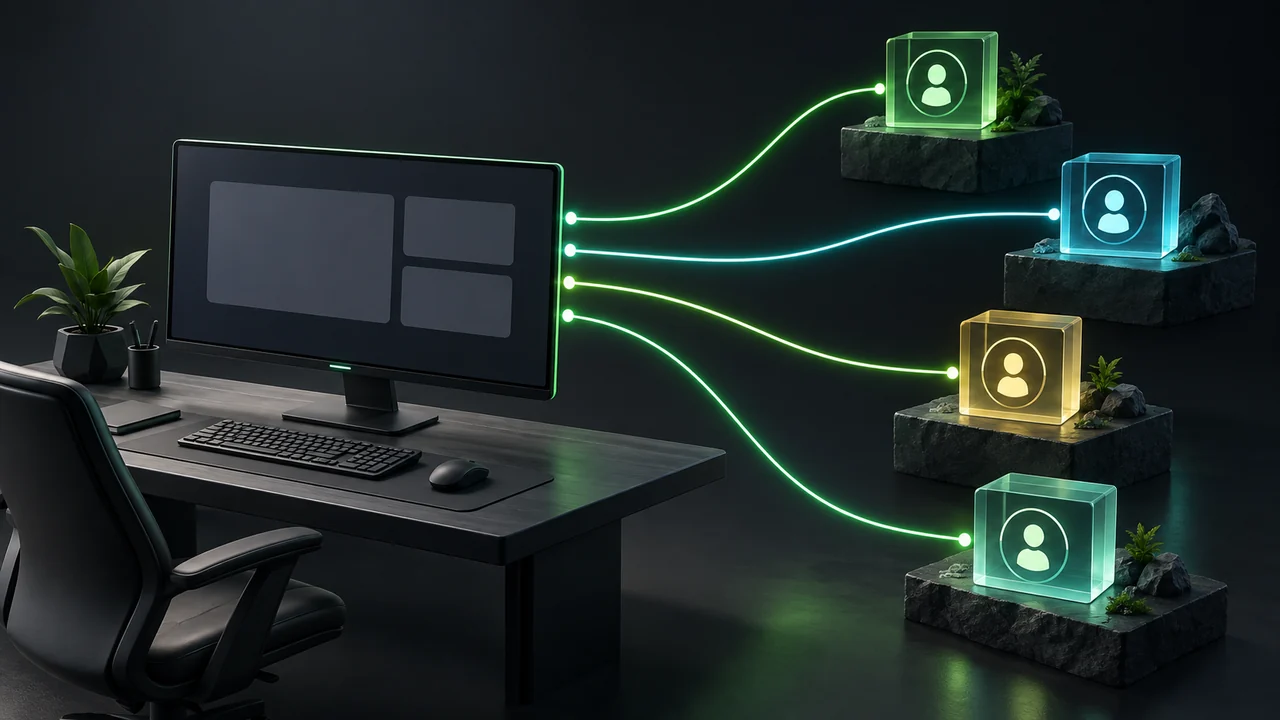
One login can recover while another account or strategy remains unavailable. Use account identifiers, strategy columns and copier mappings to find the incomplete recovery.

NinjaTrader automation protection
Check the intended recovery target and expected session state before trading, then use a simulation record to distinguish a recovery attempt from a verified result.
Monitor NinjaTrader, recover supported crashes and disconnects, and receive recovery alerts. Try Ninja Watchdog free for 30 days on the Windows computer that runs your strategies.