Order management
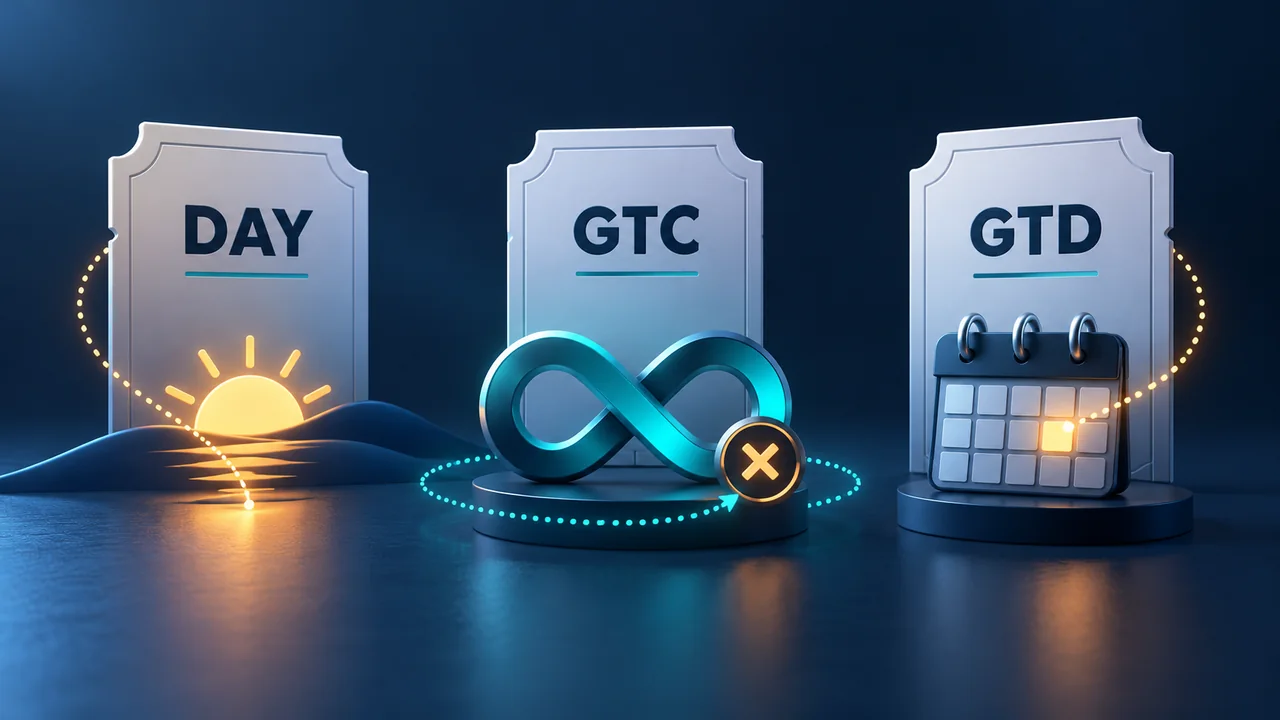
NinjaTrader Time in Force: DAY, GTC and GTD order expiry
An order's expiry setting and a strategy's session-close behavior are different. Learn the DAY, GTC and GTD rules, including locally simulated GTD.
Blog
Practical guides for keeping NinjaTrader automated strategies running through crashes, disconnects, repairs, alerts, and Windows or VPS reboots.
Articles 25–36 of 52Newest published first
Order management
An order's expiry setting and a strategy's session-close behavior are different. Learn the DAY, GTC and GTD rules, including locally simulated GTD.
Strategy data
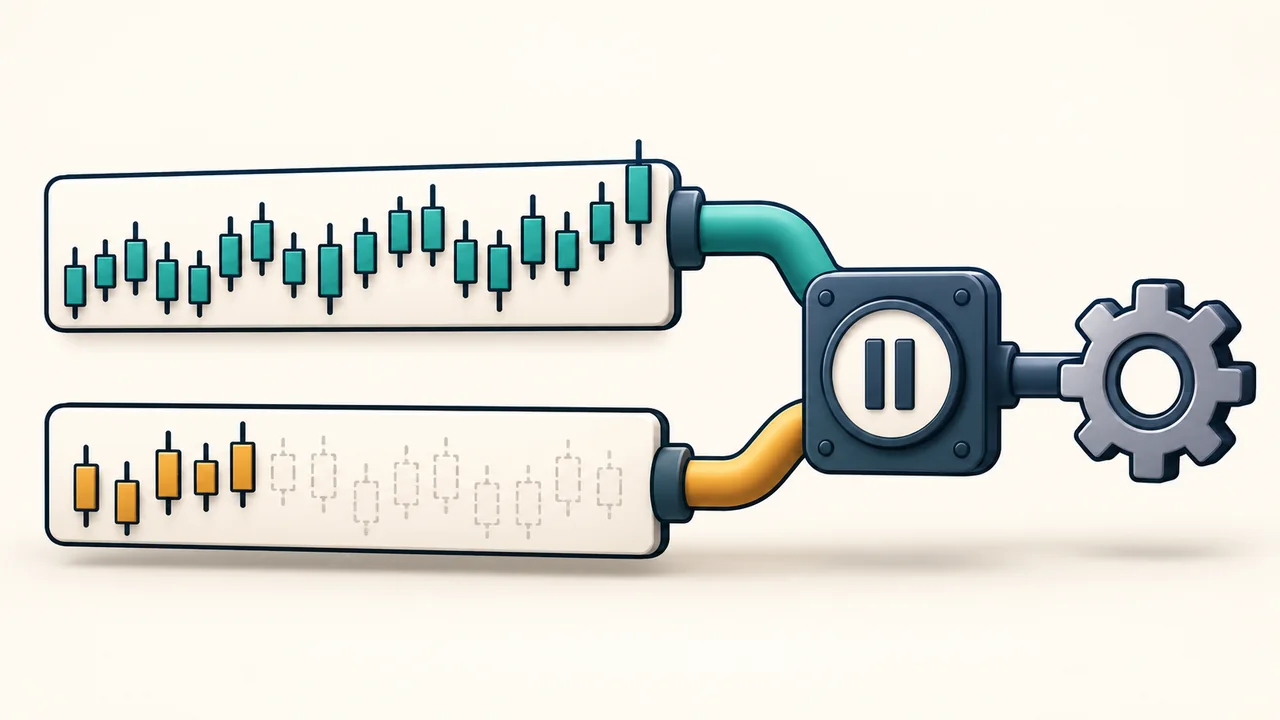
Enabled does not mean every data series has enough history. Check the bar threshold, CurrentBars indexes and the separate startup state.
Order management
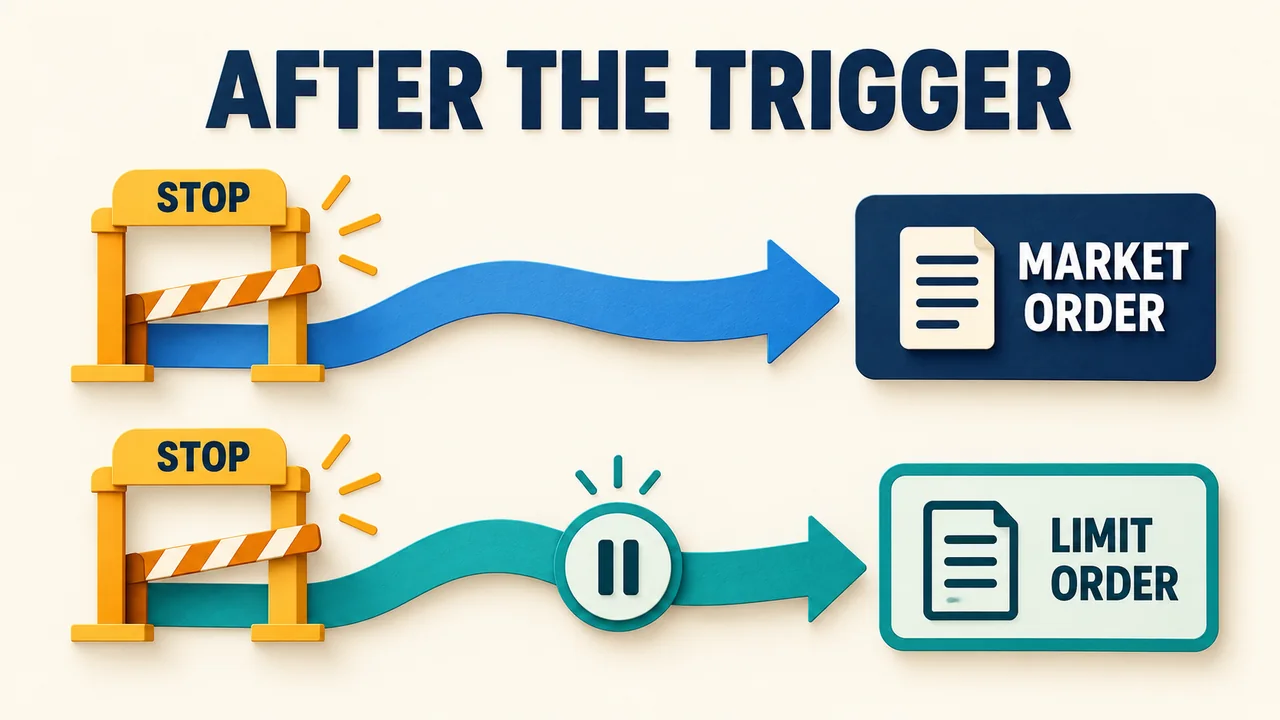
A stop price activates an order; it does not confirm a fill. Compare the two stop types, limit offsets, and locally simulated triggers.
Order management
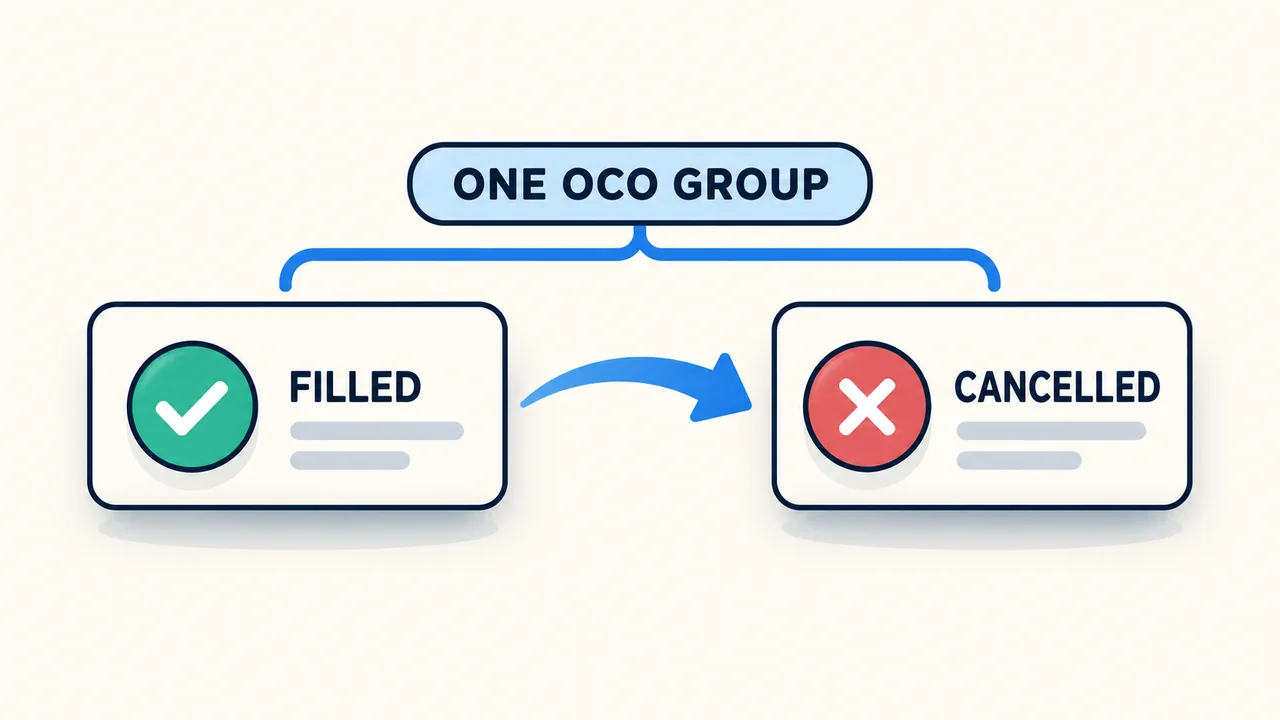
An OCO group links order outcomes. Learn why cancelling one order can remove another, when IDs reset, and what changes after a disconnection.

Windows reliability
A dark monitor can leave NinjaTrader running. A sleeping computer cannot keep executing its desktop strategy logic. Check the power state behind the gap.
Strategy automation
An ATM manages a trade's exits; a NinjaScript strategy can generate its signals. Combining them changes how you track orders, positions and results.

Simulation and testing
Choose the right data and simulation account, understand why fills differ, and save your replay results before a reset.
Platform diagnostics
Find the diagnostic files support needs, collect them after a crash, and distinguish a Log-tab export from the full log and trace package.
NinjaTrader repair
A workspace export preserves layouts; a backup archive can preserve configuration, trade history, scripts and diagnostics. Select what matters before repair, then verify what returns.

Trading hours and sessions
A session filter can look like downtime. Compare the clocks, holiday exceptions and data series before treating the gap as a connection failure.
Futures contract rollover
Changing a chart contract does not finish an automated-strategy rollover. Separate workspace changes, strategy settings, live positions and historical data.
NinjaTrader automation protection
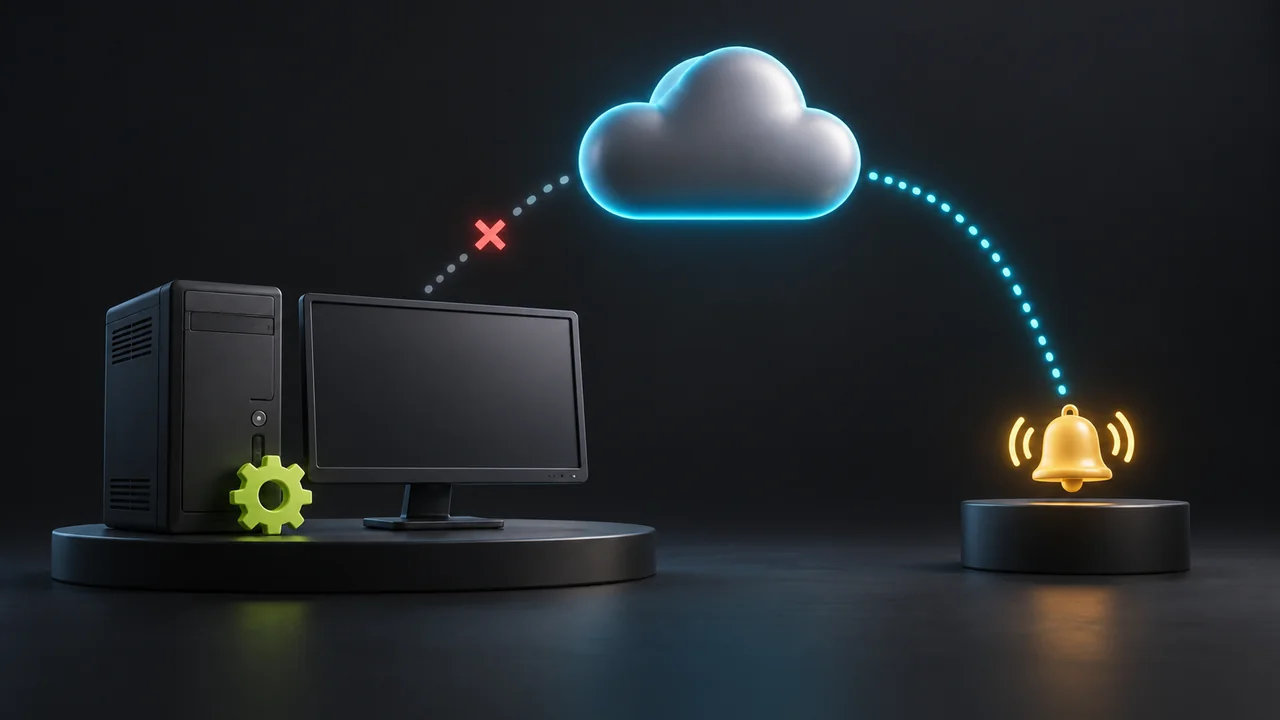
A local monitor can inspect NinjaTrader. An independent cloud monitor can detect missing check-ins when the computer cannot report. Each answers a different question.
Monitor NinjaTrader, recover supported crashes and disconnects, and receive recovery alerts. Try Ninja Watchdog free for 30 days on the Windows computer that runs your strategies.