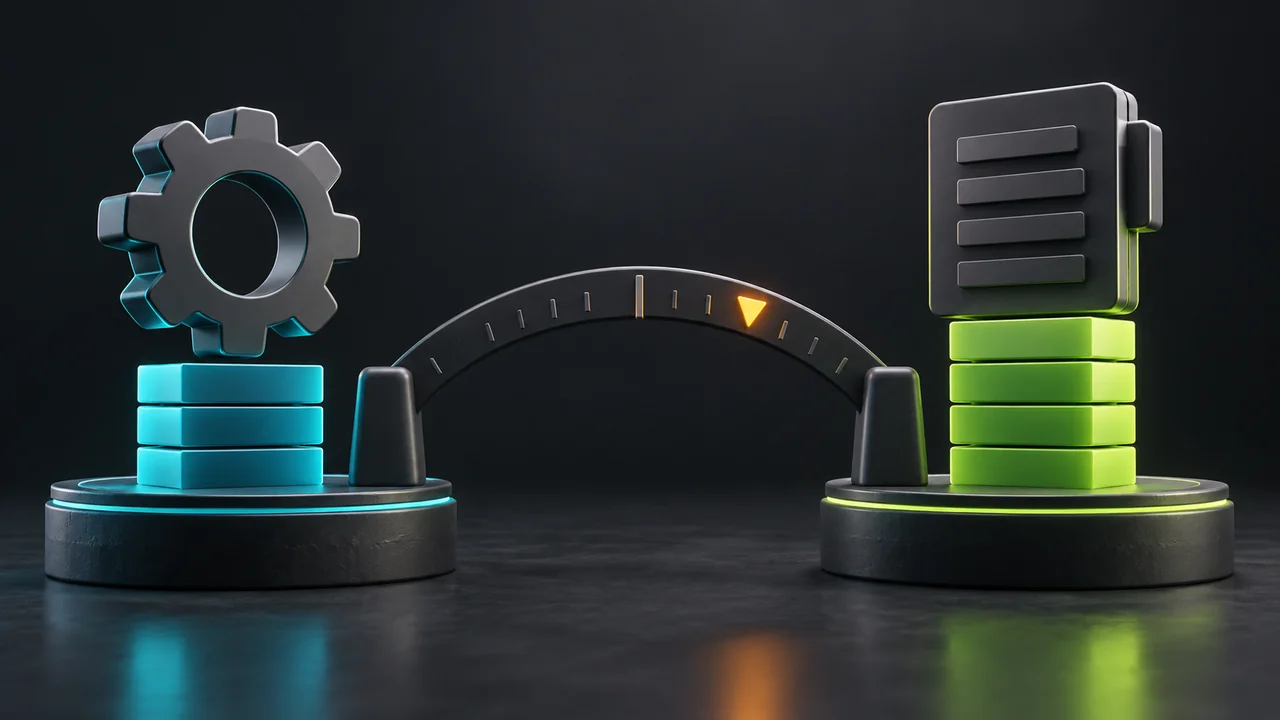
Strategy restore
NinjaTrader Start Behavior: account synchronization and order handling
Compare startup modes and see why an account’s net position can differ from each strategy, especially when several strategies share one instrument.
Blog
Practical guides for keeping NinjaTrader automated strategies running through crashes, disconnects, repairs, alerts, and Windows or VPS reboots.
Articles 37–48 of 52Newest published first
Strategy restore
Compare startup modes and see why an account’s net position can differ from each strategy, especially when several strategies share one instrument.
NinjaTrader automation protection
Compare the interruption each tool detects, the recovery it documents, and the Windows, connection and strategy settings it needs.

Partnerships
Boxcar Trading combines futures evaluation and simulated-funded accounts with an optional included Chicago VPS. Ninja Watchdog provides monitoring and recovery for NinjaTrader on that machine.
Prop firm automation
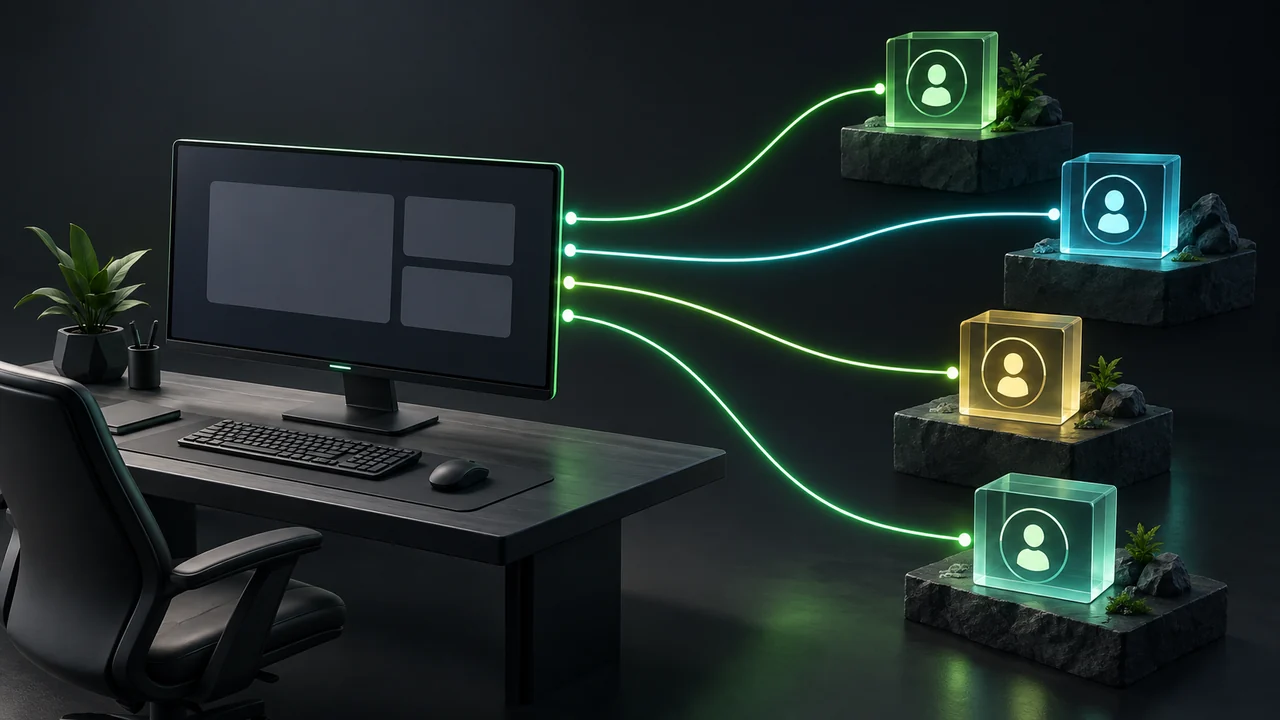
One login can recover while another account or strategy remains unavailable. Use account identifiers, strategy columns and copier mappings to find the incomplete recovery.
NinjaTrader automation protection
Check the intended recovery target and expected session state before trading, then use a simulation record to distinguish a recovery attempt from a verified result.
Strategy restore
Why a strategy stays disabled after reconnecting, which settings can cancel its orders, and how to check the actual order state before another start.
Connection monitoring
A connected account can use a different price feed. Check the selected real-time source, subscription and session before treating missing ticks as a chart fault.

NinjaTrader repair
Separate slow history loading, live calculations and chart rendering. Check Calculate and Tick Replay requirements, then use Safe Mode to isolate launch failures.
Strategy restore
Check the exact account, contract and instance before enabling a strategy. Saved templates, contract rollover and waiting states can explain a silent restart.
Windows update recovery
A rebooted desktop, an open NinjaTrader window and a running strategy are separate outcomes. Find the missing step with specific startup and strategy checks.

Rithmic reconnect
Separate a lost connection from a failed login, then verify the intended account, price data and strategy state using the dated log evidence.
Tradovate reconnect
A saved connection name, account display name and moving chart can each hide a different mismatch. Check the Tradovate account before restoring a strategy.
Monitor NinjaTrader, recover supported crashes and disconnects, and receive recovery alerts. Try Ninja Watchdog free for 30 days on the Windows computer that runs your strategies.