Quick answer
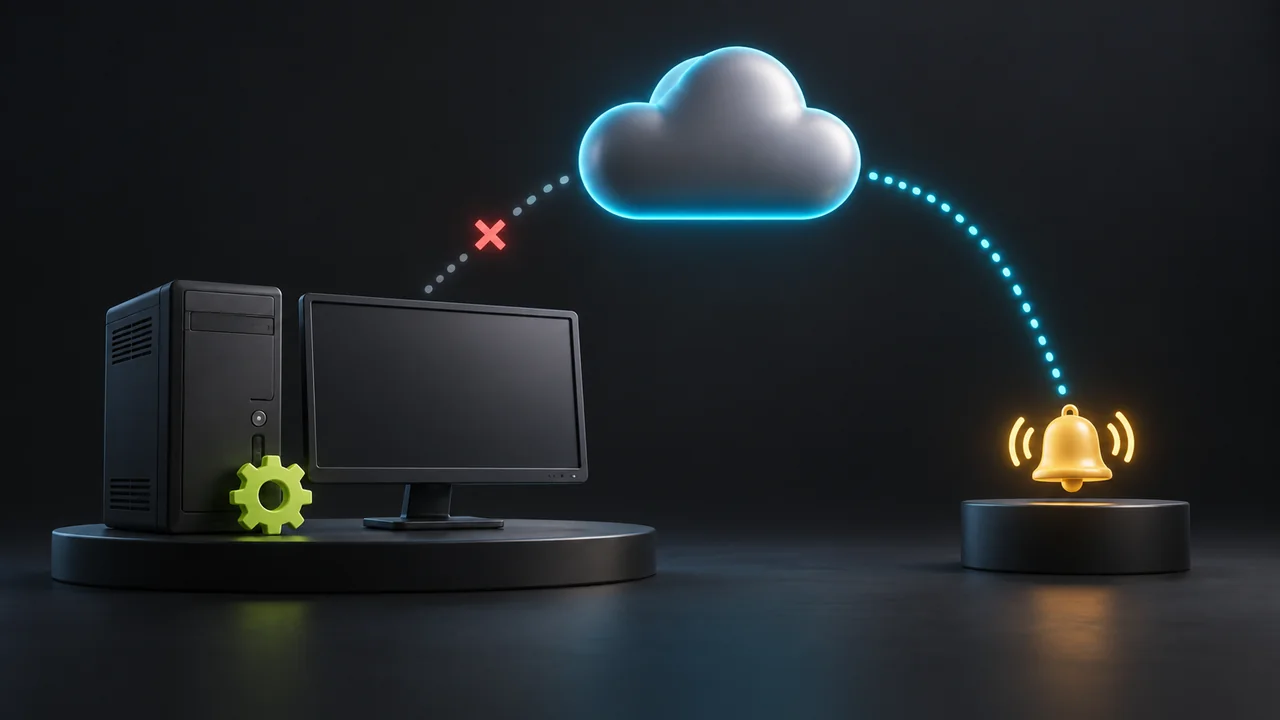
Local monitoring can inspect NinjaTrader processes, connections and strategy state while the Windows computer is running. An independent cloud monitor can notice when that computer stops checking in. A missing heartbeat establishes a reporting gap; it does not, by itself, identify a crashed VPS or prove that a trading strategy stopped.
The useful distinction is where the check runs
A monitor inside a NinjaTrader add-on depends on the platform remaining alive. A separate Windows application can continue observing after NinjaTrader closes, but it still depends on that Windows machine. An external service can keep its own clock running after the machine loses power or connectivity.
Cloud hosting and cloud monitoring are separate capabilities. Moving NinjaTrader to a VPS changes where Windows runs. It does not automatically add an independent observer of that machine or its strategies.
What each observation can establish
| Signal | What it establishes | What remains unknown |
|---|---|---|
| NinjaTrader process is present | Windows reports that the process exists. | Whether its interface responds, data is fresh or the intended strategy is enabled. |
| A recent application-state report arrived | The reported state reached the observer at a known time. | Whether that state remained unchanged after the report. |
| A heartbeat is overdue | The expected check-in did not arrive within the allowed interval. | Whether the cause is the host, network, monitor, credentials or receiving service. |
| Remote Desktop connects | That access path reaches a Windows session. | Whether the intended account and strategy are ready. |
A missing heartbeat needs a timestamp and a cause
Read the last successful check-in time together with the expected interval and any grace period. Healthchecks.io documents this pattern for periodic processes: a late signal becomes an alert condition after the configured grace time. That explains the monitoring pattern; it is not a statement of Ninja Watchdog’s timeout.
The sender may have stopped, its outbound network may be blocked, authentication may have failed, or the receiving service may be unavailable. A whole-machine outage is another possibility. Compare the reporting gap with the VPS provider’s console or incident notice and the last local logs before naming the cause.
A new heartbeat establishes that reporting resumed. It does not prove that NinjaTrader reopened or that a particular strategy resumed; those require fresh application-state evidence.
The alert sender must survive the failure being monitored
A notification sent only by software on the trading computer cannot leave that computer while its network is unavailable. An external service that notices missing check-ins can initiate a separate notification, provided its own monitoring and delivery services remain available.
Inspect the recipient as well as the delivery channel. An internal support notification and an email to the trader serve different people. A queued message, a provider-accepted message and a message visible in the intended inbox are also different observations.
For a controlled check on a spare or simulation machine, compare two cases: NinjaTrader closes while Windows remains online, and the monitored machine stops reporting. Record the last check-in, the detected condition and the inbox receipt separately. Do not interrupt a machine carrying live orders to perform this check.
How this applies to Ninja Watchdog and other local monitors
Ninja Watchdog combines a Windows recovery application with cloud monitoring. The local workflow covers platform relaunch, account reconnect and restoration of previously enabled strategies when the required environment is available. Its cloud health logic distinguishes fresh, stale and missing check-ins. These are separate observations from an independently verified strategy outcome.
Email alerts are available today; SMS and WhatsApp alerts are coming soon. This guide does not establish customer delivery for a particular offline event or promise a detection time. Verify the configured destination and actual receipt for the interruption you need covered.
HeartBeat describes recovery actions within the configured Windows environment. GFREQ WatchDog describes a separate Windows tray application watching NinjaTrader logs and process state. Running outside NinjaTrader provides a different observation point from an add-on, but does not by itself establish monitoring from outside the computer. These are published feature descriptions checked September 26, 2026, not performance tests.
When the machine returns, check application recovery separately
A local recovery application needs a running Windows environment before it can act. Cloud observation can report a gap; it cannot make a powered-off machine execute a local relaunch. Host power, network access and Windows startup remain separate dependencies.
After reporting resumes, inspect the newest platform, connection and strategy state. Use the reboot guide when Windows restarted and the strategy-state guide when NinjaTrader is open but the intended instance is disabled or waiting.
Official sources
NinjaTrader monitoring
Explore Ninja Watchdog monitoring and recovery
Review the Windows recovery workflow, cloud monitoring and available alert channels.