Quick answer
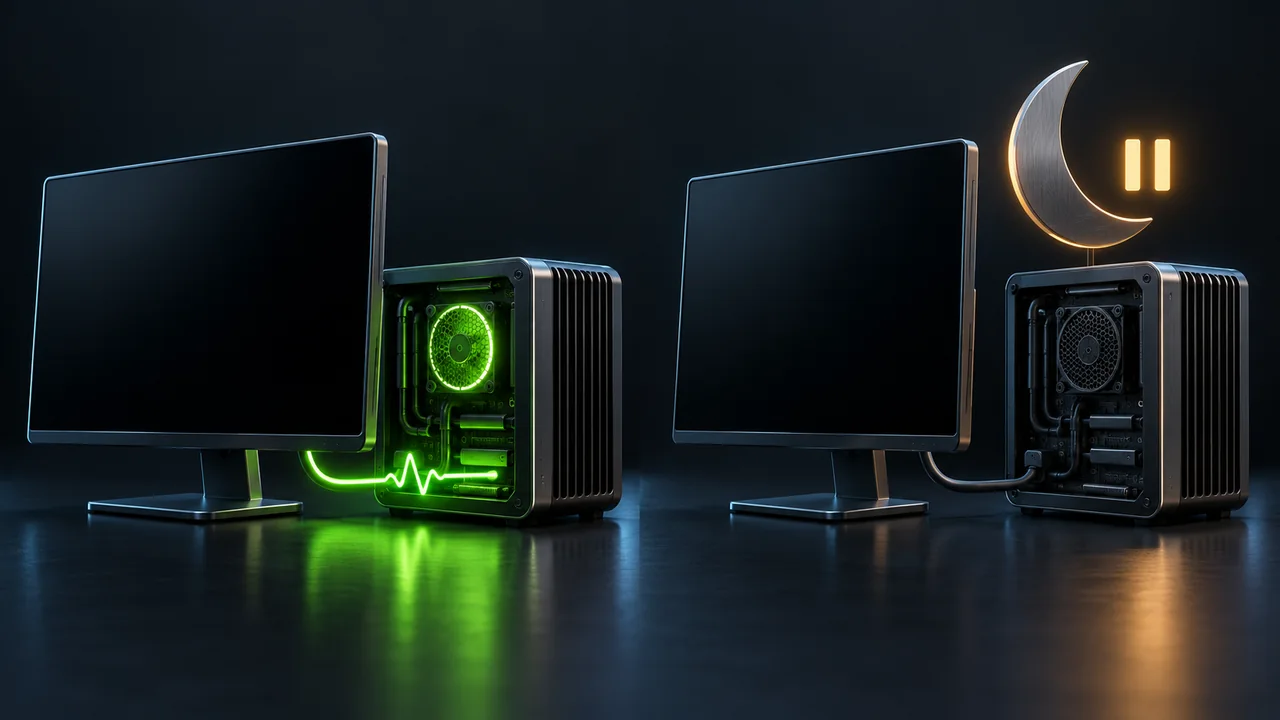
Windows must remain awake for NinjaTrader's local strategy logic and desktop monitoring to run continuously. Turning off only the display can leave that work running; sleep and hibernation interrupt it. Modern Standby also pauses desktop applications, even when some background network activity remains possible. A dark screen alone does not tell you which state the computer entered.
Screen off, sleep and hibernation have different effects
Microsoft documents that Modern Standby's Desktop Activity Moderator pauses desktop applications. Some permitted background tasks can still run, but that is not evidence that NinjaTrader continues executing. This is why a network-connected sleep state is unsuitable for a strategy that needs continuous local calculation.
| Power state | What it means for desktop monitoring |
|---|---|
| Display off, Windows still awake | The display timeout alone does not suspend desktop work. A separate sleep timeout or lid action can still put the computer to sleep. |
| Sleep, including Modern Standby | Desktop execution pauses. Do not expect the local strategy to keep processing incoming prices through the sleep interval. |
| Hibernate | The PC preserves the session for a later resume; it does not continue running the desktop strategy while hibernating. |
Check the sleep timeout and laptop lid separately
In Windows 11, open Settings > System > Power & battery > Screen, sleep, & hibernate timeouts. For the plugged-in period when the strategy must remain active, set the device's sleep timeout to Never where that option is available. The screen-off timeout can remain shorter. Review any hibernate timeout shown, and check the on-battery settings separately.
An idle timeout does not control every way a laptop can sleep. In Control Panel > System and Security > Power Options > Choose what the power buttons do, inspect When I close the lid and the power-button action. Closing a lid configured for Sleep still interrupts the session. Keep the lid open during the intended run or deliberately configure its plugged-in action.
Use Windows evidence to identify a sleep gap
A cloud heartbeat gap can also come from a network outage or a stopped application. Match the gap's timestamp to Windows power evidence before assigning sleep as the cause. These powercfg commands inspect state or generate a report; they do not change the sleep policy.
- powercfg /a lists the sleep states this computer supports, including whether Modern Standby is available. It does not show when the computer slept.
- powercfg /lastwake describes the most recent wake event. It is not a complete history and does not by itself explain why the PC went to sleep.
- powercfg /systemsleepdiagnostics /output "system-sleep-diagnostics.html" generates a report covering recent periods of user absence and whether the system slept. Run it from an administrator terminal in a writable folder, then open the HTML file.
- powercfg /requests lists current application and driver requests that can prevent automatic sleep. It does not establish what prevented or allowed sleep last night.
Waking up does not prove uninterrupted trading
Seeing the same NinjaTrader windows after waking does not establish that the data connection or strategy resumed correctly. Check their current state; use the startup and recovery guide when the platform is open but the strategy is not running.
Sleep also is not an order-cancellation command. An order already held at a broker, exchange or provider server can remain active while local strategy logic is paused. NinjaTrader documents order residency by connection provider and order state. Do not equate an inactive desktop with an account that has no working orders.
Official sources
Protect your setup
Keep NinjaTrader recovery automatic
Monitor NinjaTrader, recover supported interruptions, and receive recovery alerts on your Windows computer or VPS.