Quick answer
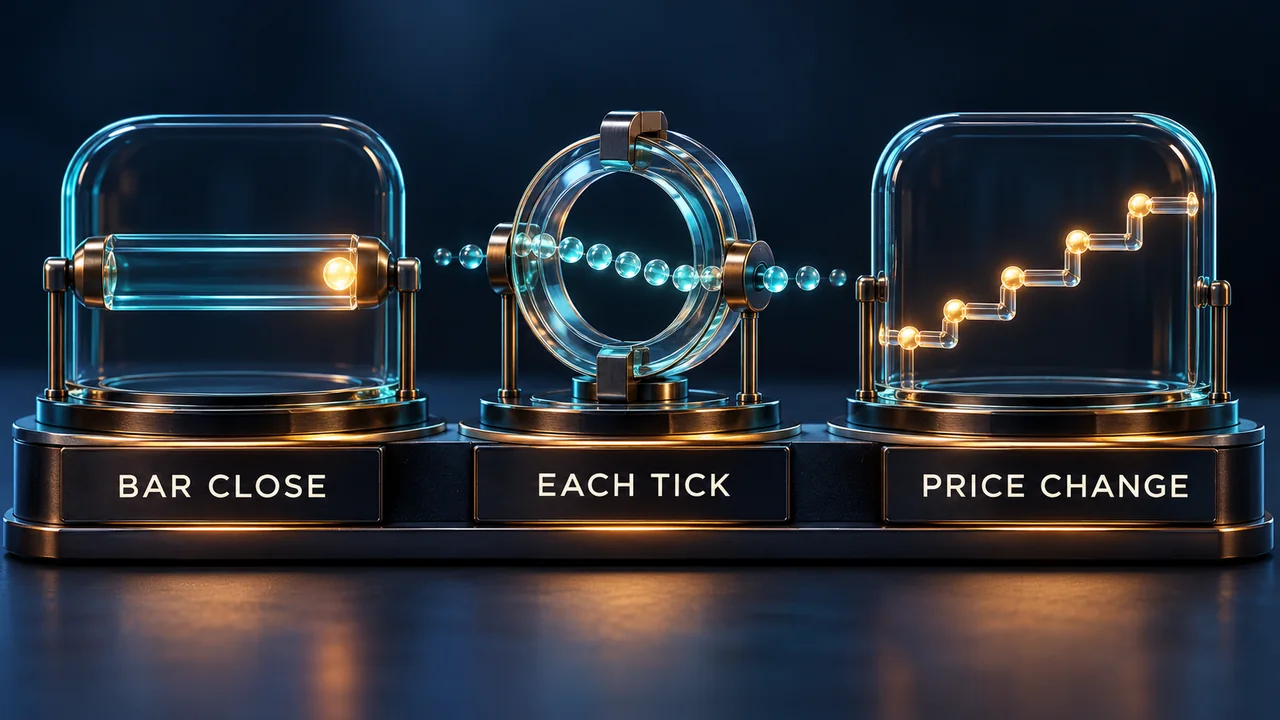
Calculate controls how often NinjaTrader calls OnBarUpdate. OnBarClose waits for a completed bar; OnEachTick processes every tick; OnPriceChange processes price changes and bar closure. These settings govern calculation timing. Historical data processing and simulated order fills have separate rules.
Compare the three modes on the configured strategy
For a chart strategy, open Strategies and select the relevant entry under Configured. Inspect its Calculate, Data Series and Account fields. A setting on another chart or strategy instance does not identify this instance's inputs.
| Calculate value | When OnBarUpdate runs |
|---|---|
| OnBarClose | Once when the bar completes; the default. |
| OnEachTick | For each incoming tick, including repeated prices. |
| OnPriceChange | When price changes within the bar, and when the bar closes. |
Same price does not mean no new volume
Consider two illustrative trades inside one bar at the same price: first one contract, then three more. OnEachTick receives both updates. OnPriceChange can skip the second even though volume increased. NinjaTrader advises against that mode for logic dependent on volume updates.
Per-tick calculations can also increase CPU work. Select the frequency required by the script; changing it solely to reduce load can change its decisions.
OnEachTick alone does not recreate historical ticks
Ordinary historical bars contain open, high, low, close, volume and time, rather than their full tick sequence. OnBarUpdate therefore runs at historical bar close even with OnEachTick or OnPriceChange selected. Tick Replay or a suitably designed multi-series script is needed for intrabar historical processing.
Tick Replay reconstructs stored events for scripts designed to consume them. It does not establish live-equivalent order fills, and it cannot be combined with High Order Fill Resolution. Decide whether the discrepancy concerns calculation events or the fill model before changing a backtest setting.
In an intrabar script, read the bar that actually closed
NinjaTrader's event-driven framework recognizes a bar's closure when the tick opening the next bar arrives. A time boundary on the clock alone is not that incoming event.
For tick-by-tick logic inside OnBarUpdate, IsFirstTickOfBar identifies the first tick of a new bar. At that point, Close[1] refers to the previous bar's closing price, while Close[0] belongs to the current bar. Ensure enough bars exist before referencing the previous one.
This lets a developer distinguish a completed-bar condition from calculations on the still-forming bar. IsFirstTickOfBar belongs inside OnBarUpdate. Special bar types need extra care: NinjaTrader automatically sets this flag true for bar types configured to remove the last bar.
Check the parent script and the series causing the update
An indicator hosted by a strategy follows the parent script's Calculate setting. Inspect the strategy's requirements as well as the indicator's; a separately configured chart indicator is not evidence of the hosted instance's timing.
Multi-series strategies receive OnBarUpdate calls from each Bars object. BarsInProgress identifies which series caused the call, so a callback can occur while the script deliberately ignores that series. Hosted indicators must also be accessed appropriately by the parent to ensure their OnBarUpdate processing.
When diagnosing a mismatch, inspect the processing state, series identifier and bar index together with the calculation mode. A missing signal can arise from insufficient history or a return condition even when callbacks arrive. The mode alone cannot establish that the strategy should submit an order.
Official sources
Platform monitoring
Monitor interruptions alongside strategy behavior
Ninja Watchdog monitors NinjaTrader and supports recovery after platform interruptions. Strategy calculation rules still belong to NinjaTrader and your script. Email alerts are available today; SMS and WhatsApp are coming soon.