Quick answer
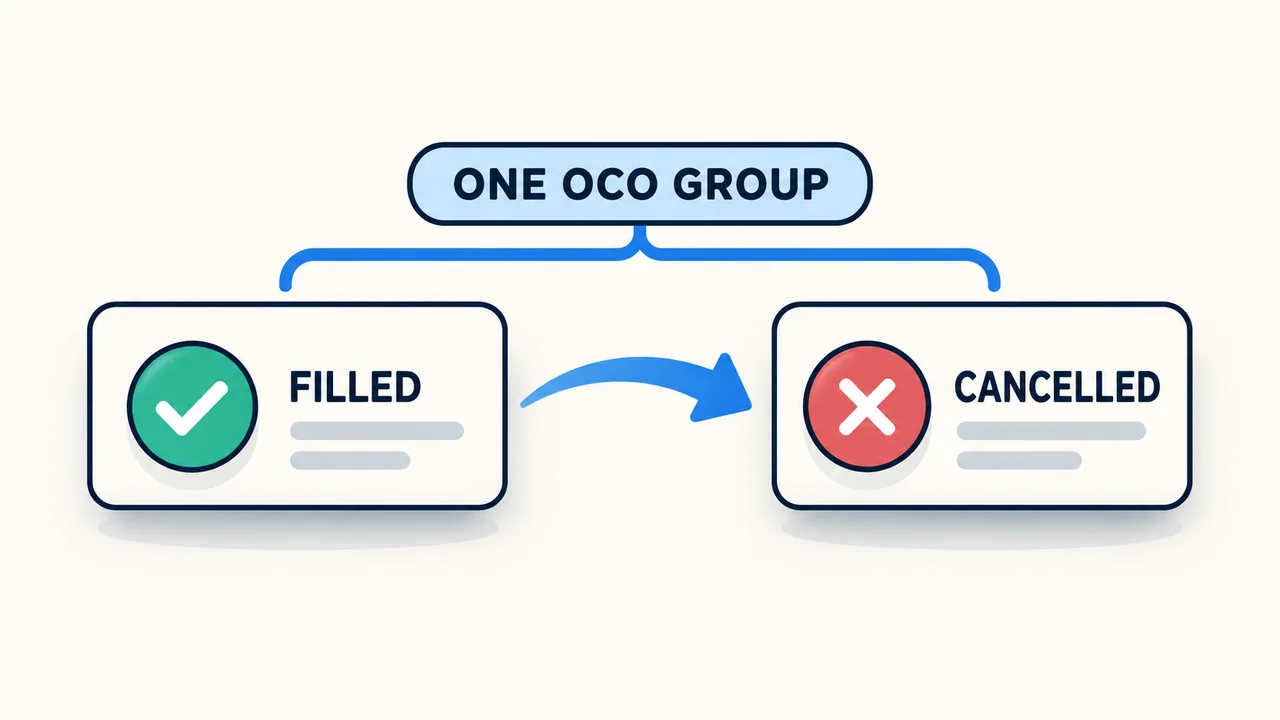
OCO means One Cancels Other. Orders sharing an OCO ID form a group: a fill or cancellation can cancel the other linked orders; NinjaTrader's Order Ticket documentation also includes rejection as a trigger. The connection provider determines where that cancellation logic runs. An order resting at the broker or exchange does not, by itself, mean its OCO link will keep working while NinjaTrader is offline.
The link belongs to the OCO group
Two orders with the same instrument, account or strategy name are not necessarily linked. The OCO identifier is the field that identifies the group. In Order Ticket, you can enter a custom identifier; additional active orders using that identifier join the group.
This explains a common surprise: manually cancelling one linked order can cancel the other too. The relationship is not limited to a profit target filling. NinjaTrader automatically submits ATM stop-loss and profit-target orders as OCO; manual entry or exit orders can also use OCO.
Resetting the ID depends on the entry window and version
In SuperDOM, enabling OCO Order turns the OC indicator green. Orders submitted while that group is active use its link. Turn OCO placement off when you finish the intended group so later submissions do not inherit unintended OCO behavior.
NinjaTrader's current SuperDOM documentation distinguishes versions: on 8.1.2.1 and older, disable and re-enable OCO to start a separate group. On 8.1.3.0 and newer, the OCO ID resets after two orders use it, or when an order with that ID is filled, cancelled or rejected.
Order Ticket uses an explicitly entered ID. Its documentation warns against reusing an ID after a member has filled or been cancelled: a new submission using that completed group can be rejected.
Order residency and OCO residency are different
NinjaTrader's order-residency reference separates where an order rests from where its OCO behavior is handled. For the connections below, accepted or working orders can be at the brokerage, exchange or provider servers, while the OCO implementation differs.
- Do not infer server-side OCO from an Accepted or Working order status.
- When cancellation logic is local, the platform's connection and operating state matter even if the individual orders remain elsewhere.
- Check the exact connection and order type. A rule documented for one provider is not a guarantee for another.
| Connection in the reference | Documented OCO handling |
|---|---|
| NinjaTrader | Most OCO functionality is simulated on the local PC. |
| Rithmic | OCO functionality is simulated on the local PC. |
| Continuum/CQG | Most OCO functionality is supported on provider servers, subject to the connection guide's disclaimer. |
Inspect each order and its remaining quantity
In Control Center > Orders, compare the OCO, Account Display Name, Instrument and State columns. Also inspect Filled and Remaining: a quantity already executed and a quantity still working are different facts. The Name and Strategy fields help distinguish manually submitted orders from ATM or NinjaScript submissions.
A partial fill is not a reason to assume every linked order has disappeared. Read the actual state and quantities of each member. Likewise, a cancellation request or a reopened platform is not evidence that the broker has confirmed cancellation.
If the connection drops, reconcile the broker's current order and position records after reconnecting. Cancelling an unfilled order and closing an existing position are separate actions; an OCO label alone establishes neither outcome.
Official sources
Protect your setup
Keep NinjaTrader recovery automatic
Monitor NinjaTrader, recover supported interruptions, and receive recovery alerts on your Windows computer or VPS.