Quick answer
Use OnExecutionUpdate() when your strategy needs to act on a fill. Its quantity and price belong to that individual execution. Use OnOrderUpdate() to track changes to the order, such as acceptance, cancellation or rejection. Its filled argument is the quantity filled so far. Adding that running total on every order update can count the same contract twice.
How three contracts can look like four
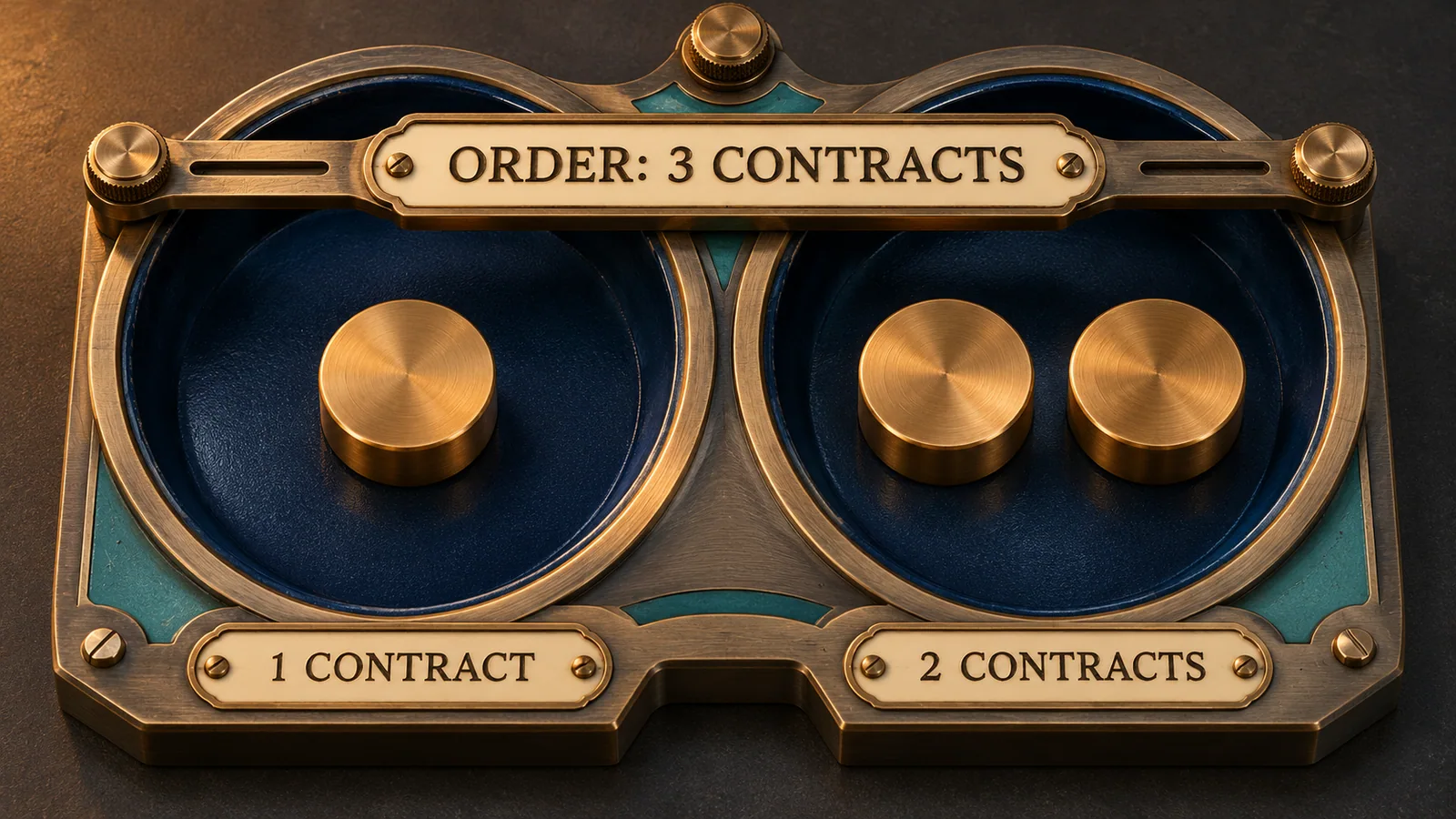
Suppose an order for three contracts fills at two prices. In this example the first execution fills one contract at 5,000.00. The second fills the remaining two at 5,000.75.
Two executions for the same order
| Fill | Execution quantity | Order filled so far |
|---|---|---|
| First | 1 | 1 of 3 |
| Second | 2 | 3 of 3 |
Keep the values from each callback
For a fill record, capture executionId, orderId, time, quantity and price from OnExecutionUpdate(). In the example, the two records share an order but have distinct execution IDs. Keeping a row for each fill preserves both prices. Some executions can lack an associated Order object, so check it before reading execution.Order properties.
For an order-state record, capture the orderState and filled arguments from OnOrderUpdate(). NinjaTrader’s Order object can already show a later state by the time your handler reads it. For example, a Working update can arrive while the referenced object already shows PartFilled.
If the remaining two contracts are cancelled after the first fill, the order can finish in Cancelled with one contract filled. Keep the execution you already recorded. Waiting exclusively for a Filled order state would miss it.
When callback timing changes
On Playback, NinjaTrader can deliver an execution while OnBarUpdate() is still running. Sim101 on a live feed adds a simulated delay. If your script initializes a fill counter only after an order-submission call returns, an immediate execution can reach the handler first. Initialize the tracking state before the submission call.
NinjaTrader also documents a sequencing caveat for Rithmic and Interactive Brokers. Simultaneous fills on the same instrument can produce an unreliable OnPositionUpdate() sequence. Keep the price and quantity passed into each execution callback so you can reconstruct both fills even when the position updates arrive close together.
Match your trace to the Executions tab
For a current-day brokerage fill, open Control Center → Executions while connected to the broker. Filter by account and locate the instrument. Match the grid’s ID to executionId and Order ID to orderId, then compare the quantity, price and time on each row.
These NinjaScript callbacks cover orders managed by that strategy. The account grid can also contain manual orders or executions from another strategy. A row for the same instrument and account is only a candidate until its identifiers match.
Official sources
Platform monitoring
Get an email when NinjaTrader disconnects
Ninja Watchdog monitors your platform connection and can email you when it drops. SMS and WhatsApp alerts are coming soon.