Quick answer
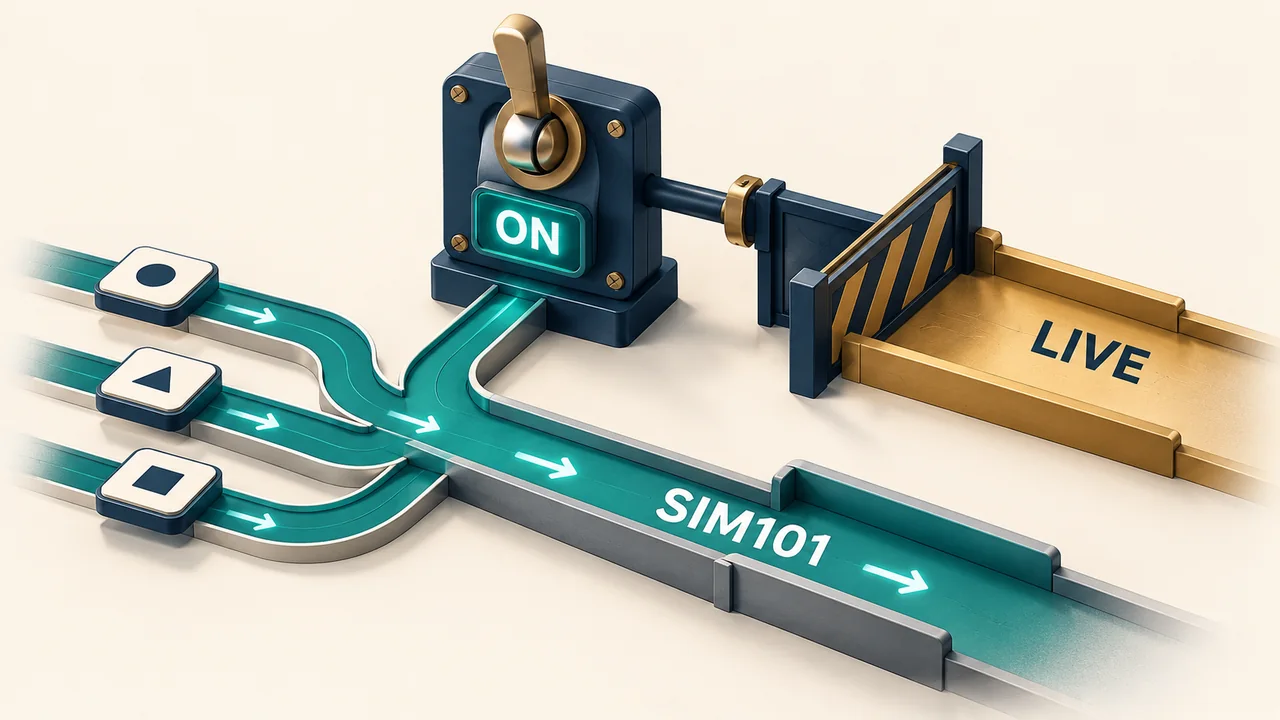
Global Simulation Mode restricts NinjaTrader 8 order-entry windows to simulation accounts. When it is off, you can still trade in simulation by selecting Sim101 in the individual window. A connected live broker does not, by itself, mean that a window is submitting live orders: read its Account field.
The global switch and the Account field do different jobs
Global Simulation Mode controls which accounts order-entry interfaces such as Chart Trader and SuperDOM let you select. The account selector determines the destination for that window's orders.
| Configuration | Account selection | Meaning |
|---|---|---|
| Global Simulation Mode on | Simulation accounts only | The global restriction prevents selecting a live account in order-entry interfaces. |
| Global Simulation Mode off; Sim101 selected | Sim101 | This window still submits simulated orders. |
| Global Simulation Mode off; a live account selected | The named live account | This window targets that live account; check the account name before submitting. |
Where to check Global Simulation Mode
In the NinjaTrader Control Center, open Tools and find Global Simulation Mode. A check mark means the mode is enabled. The official help describes clicking the same menu item to change that state.
Selecting Sim101 does not require enabling the global switch. The switch adds a restriction across order-entry interfaces; selecting Sim101 applies to the particular window. Treat that restriction as an account-selection control, not as confirmation that an existing live order or position has been closed.
Why a live connection can still show Sim101
Connection status and order destination answer different questions. NinjaTrader supports a mixed live/simulation environment: with the restriction off, one order-entry window can use a live account while another uses Sim101. Changing or checking one window therefore does not establish the account selected in every other window.
If a live account is missing from the selector, check whether Global Simulation Mode is enabled before diagnosing an account-connection problem. Removing the restriction does not create a brokerage account or establish a missing connection.
Sim101 has its own simulated balance and buying-power checks. An order rejection in Sim101 is not evidence that a broker rejected a live order.
Simulation color is an extra cue, not the routing setting
NinjaTrader's Trading settings include Simulation color, which changes an order-entry interface's background when a simulation account is selected. The documented Transparent setting disables that cue, so an unchanged background does not establish that the selected account is live.
Read the Account field directly. An order-confirmation popup is a separate setting; it does not select the account. Likewise, simulator fill options change simulated execution behavior, not whether a window targets Sim101.
Account selection is separate from restart recovery
After a platform restart, check the current mode and account fields rather than assuming a reopened window proves the intended routing. For automated strategies, account selection and Start Behavior require their own review.
Ninja Watchdog monitors NinjaTrader and supports platform, connection and strategy recovery through its installed bridge. It does not directly place, modify or cancel orders. Re-enabling a strategy can have trading consequences governed by that strategy. Email alerts are available today; SMS and WhatsApp alerts are coming soon.
Official sources
Platform monitoring
Add visibility to NinjaTrader recovery
See how Ninja Watchdog monitors platform and connection health and reports recovery status.