Quick answer
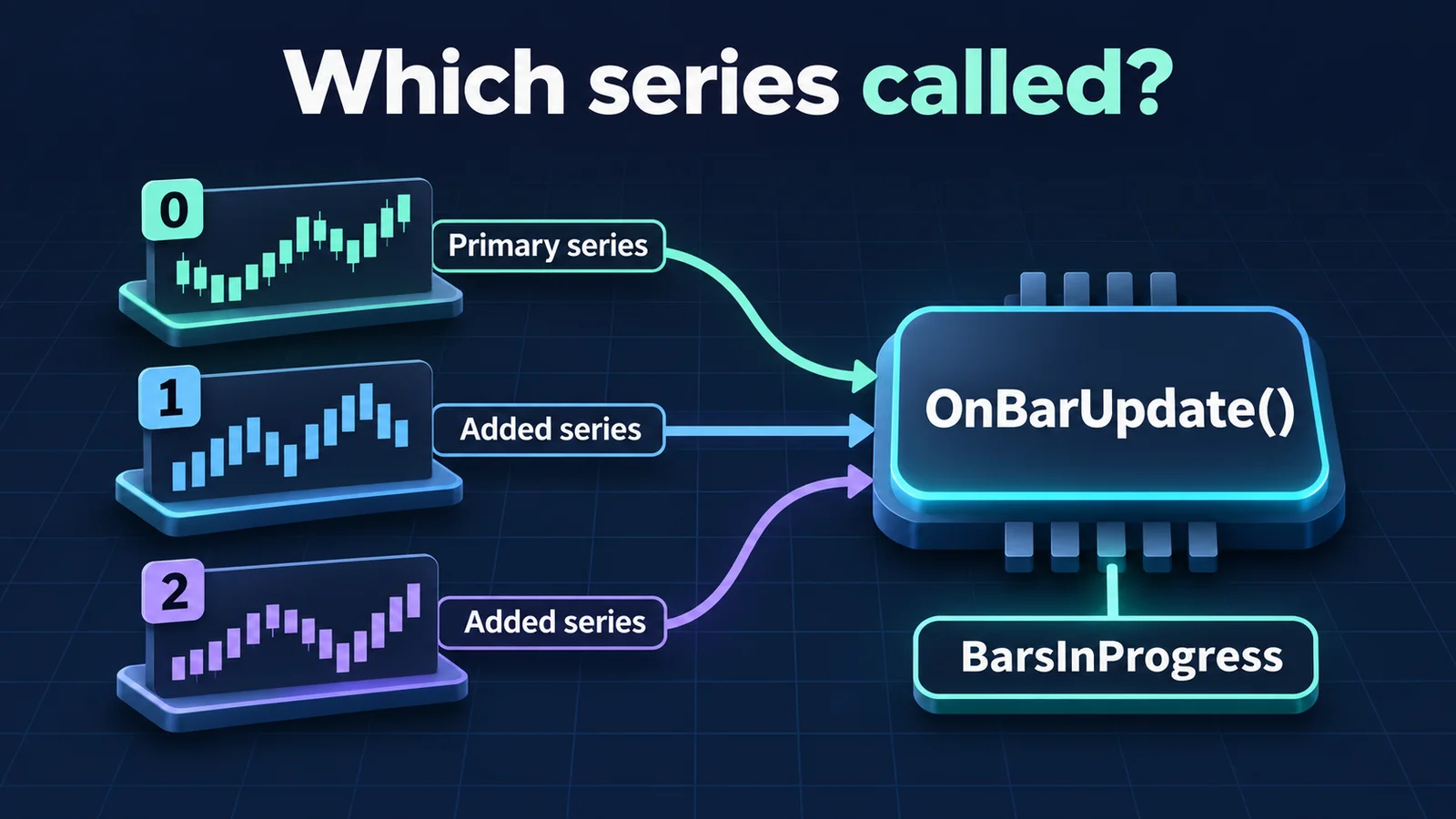
AddDataSeries() adds another Bars object to a NinjaScript. Every series can call OnBarUpdate(); BarsInProgress identifies the series responsible for the current call. Index 0 is the primary series, and added series receive indexes in the order they are added.
Define the additional series in State.Configure
Call AddDataSeries() from OnStateChange() when State is State.Configure. NinjaTrader documents fixed, hardcoded arguments; choosing series from runtime values that are not reliably available at configuration time is unsupported.
For example, a script applied to a one-minute chart could add a five-minute series, then a fifteen-minute series for the same instrument. The chart remains series 0. The two additions become series 1 and series 2, regardless of which interval is longer.
Adding a series also adds it to BarsArray. If a strategy hosts an indicator that requires additional series, the hosting strategy must make the corresponding AddDataSeries() calls too.
Route each call by BarsInProgress
OnBarUpdate() is shared by the script's series. A condition that should run only on the primary series needs an explicit filter, such as returning when BarsInProgress is not 0. That return skips the current method invocation; it does not remove the added series.
Alternatively, give each index its own branch. In the example above, a branch for index 1 handles updates from the five-minute series. The number identifies a Bars object, not a bar count, elapsed minutes or an execution priority.
Example index map: a one-minute primary chart with two added intervals
| Index | Series | Branch purpose |
|---|---|---|
| 0 | Primary one-minute series | Logic driven by the primary chart. |
| 1 | Five-minute series added first | Logic driven by the first added series. |
| 2 | Fifteen-minute series added second | Logic driven by the second added series. |
Choose the input and check its available bars
Inside OnBarUpdate(), an unqualified price series such as Close belongs to the calling series. Closes[1][0] explicitly selects the latest accessible close of series 1: the first index selects the series, while the second is bars ago.
Check CurrentBars for every series you read. It contains each series' current bar index and can initially contain -1. Because indexes start at zero, reading Closes[1][1] requires CurrentBars[1] to be at least 1. A primary-series history check alone does not establish that the secondary series has enough bars.
Give hosted indicators an explicit input when creating them in a multi-series script. This avoids depending on a calling-series context that is not guaranteed during initialization.
Keep series identity separate from Calculate
BarsInProgress answers which series called the method. Calculate controls when OnBarUpdate() is called, such as on a bar close or on incoming ticks. Changing Calculate does not change the series-index map or replace a routing filter.
Likewise, selecting BarsInProgress == 1 does not mean the primary chart has become a five-minute chart. It selects the branch for the added five-minute data.
Check event order and session templates when values differ
Historical multi-series processing follows timestamps. When primary and secondary bars share a timestamp, NinjaTrader processes the primary series first. A secondary value for that timestamp is therefore not necessarily available yet during the primary call. Do not treat matching timestamps as one simultaneous update.
Real-time intrabar processing can also read a secondary bar that is still forming. A historical reload may consequently reference different values. Record the calling index and series timestamps when investigating a mismatch.
Different Trading Hours templates deserve a separate check. For added series of the same instrument, NinjaTrader documents that real-time OnBarUpdate processing depends on ticks occurring within the sessions of all added series; ticks can queue until that condition is met. A quiet branch can reflect session or data availability rather than a wrong index.
Official sources
Platform monitoring
Keep platform interruptions in view
Ninja Watchdog monitors NinjaTrader and supports recovery after platform interruptions. Email alerts are available today; SMS and WhatsApp alerts are coming soon.