Quick answer
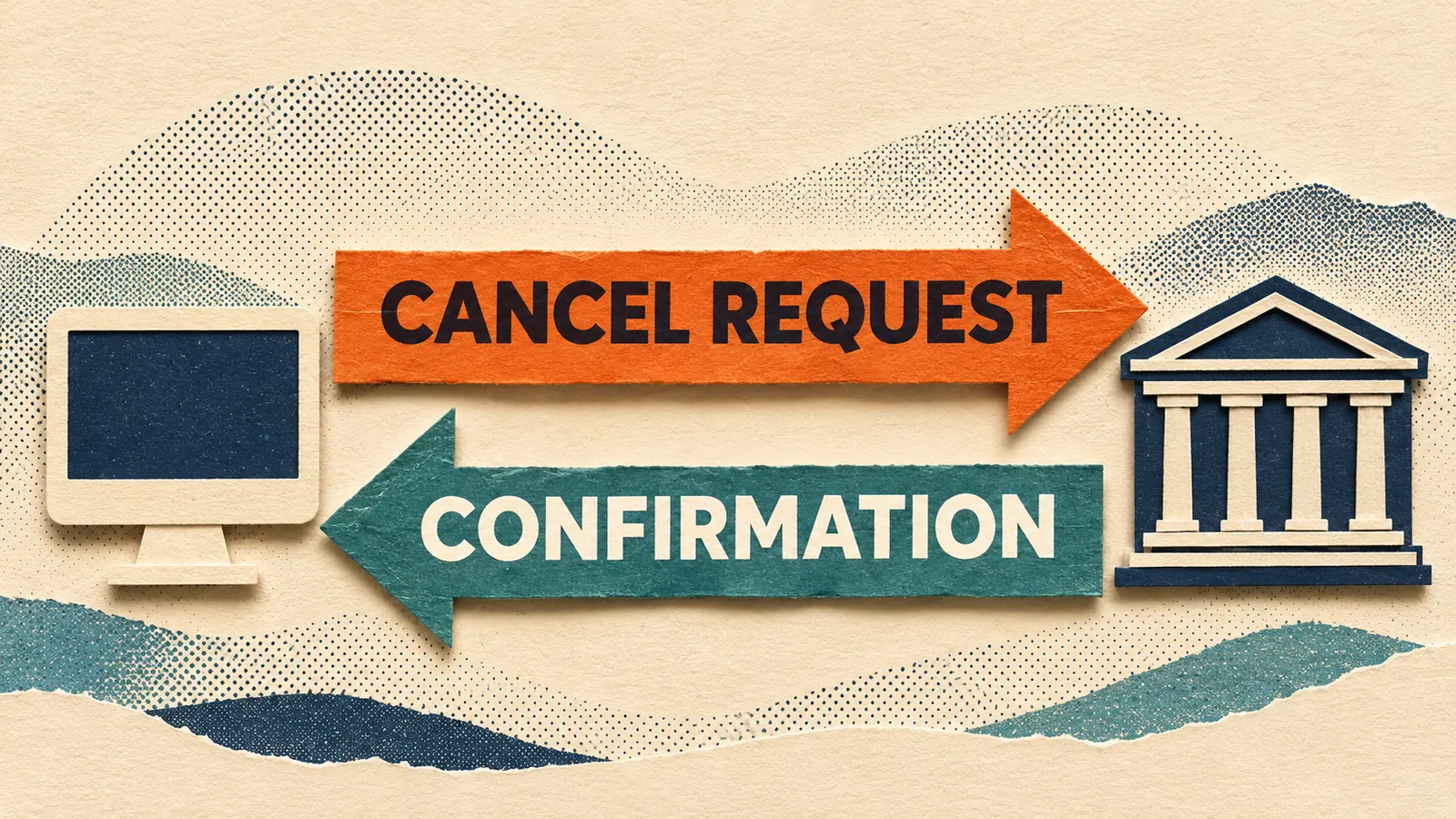
In NinjaTrader Desktop, Cancel pending means a cancellation request is in progress. The order can still fill until the exchange confirms the cancellation. Find that order in Control Center → Orders and read State and Filled together. If a live order stays pending and you need to know whether it is still working, contact the trade desk for the brokerage that holds the account.
Read the state on the original order
In the Orders tab, select the account and show all order states. Match the instrument and the order’s ID. A working-orders filter can hide the row as soon as its state changes. The X in the Cancel column sends the request.
- Cancel pending. NinjaTrader is waiting for the cancellation outcome. A fill can still arrive during that interval.
- Cancelled. The exchange has confirmed cancellation of the unfilled quantity. Check Filled to see whether any part traded first.
- Rejected. NinjaTrader, the connection provider or the exchange refused an order. Check the Log entry at the same time for the exact message. If the message says an attempt to cancel was rejected, check the original order’s current state with the broker. A refused request alone leaves that question open.
How a cancelled order can still show a fill
Suppose you submit an order for five contracts. Two fill before the exchange processes your cancel request. The other three are cancelled. The order can finish in Cancelled with a Filled quantity of two. Those two contracts traded.
Open Control Center → Executions and match Order ID and account to the original row. Add the quantities of the matching fills. If all five filled before the cancellation took effect, expect Filled on the order and executions totaling five.
For the resulting account position, use Control Center → Positions and match the account and instrument. An order’s Filled column records what that order traded. The position also reflects any quantity you held before it and any other executions.
When a live order stays pending
If the connection drops while the cancel request is outstanding, a frozen chart or a successful reconnect cannot tell you which message reached the exchange first. Ask the brokerage’s trade desk whether the original order is working, filled or cancelled, and how much executed. Have the account, contract, order ID and time of the request ready.
NinjaTrader Brokerage lists an emergency trade desk for live orders. If you use another brokerage through NinjaTrader, use that brokerage’s live-order contact. For a Sim101 order, use the simulation account’s Orders and Executions records.
Official sources
Connection alerts
Know when NinjaTrader loses its connection
Ninja Watchdog can email you when your platform disconnects. SMS and WhatsApp alerts are coming soon.