Quick answer
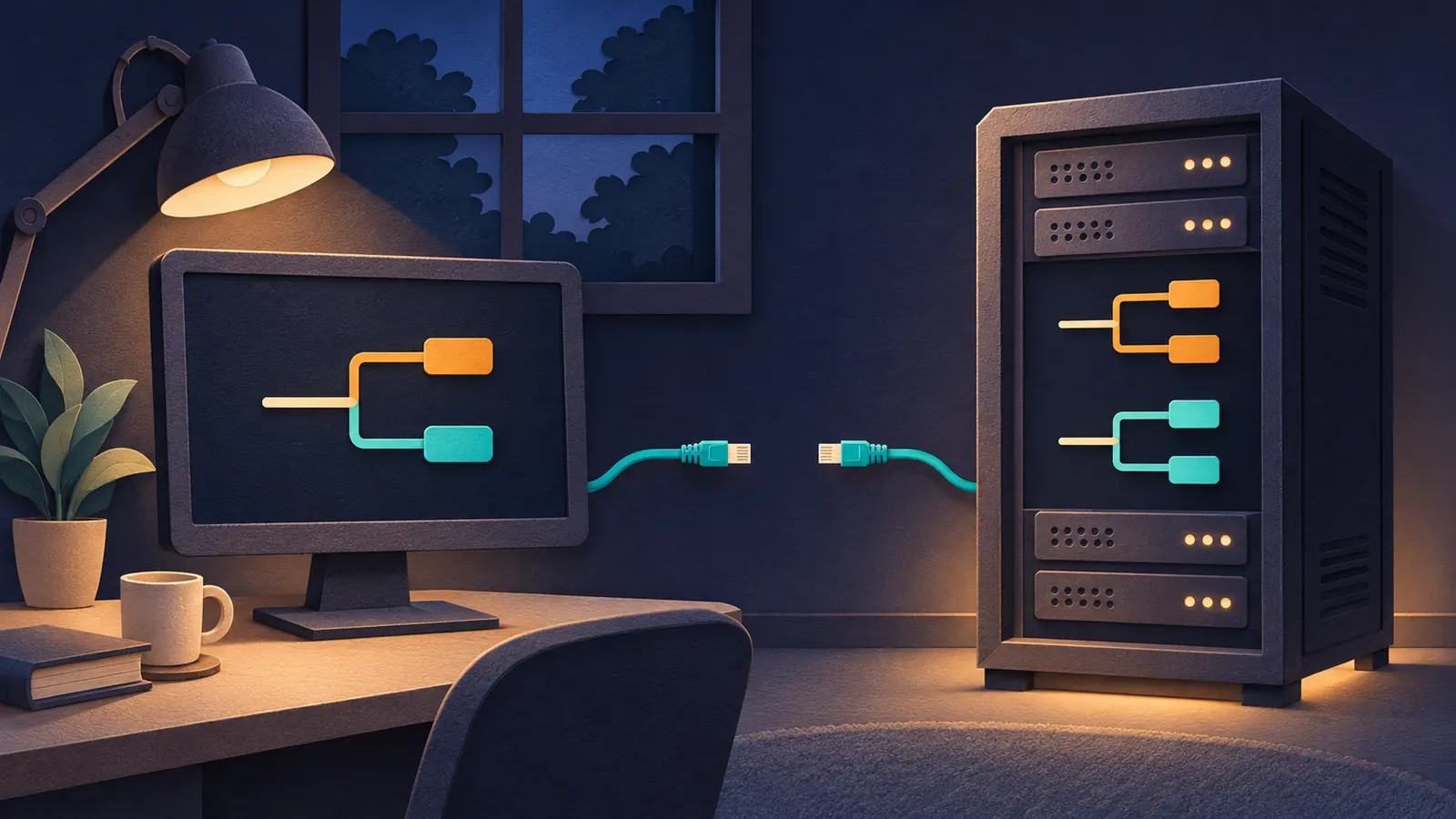
With a server-side ATM, NinjaTrader’s servers can activate orders, cancel the other side of a filled bracket and manage a one-step trailing stop while your desktop is disconnected. Each new entry gets its own bracket. A local ATM runs on your desktop and, in the default selection mode, can add a new entry to the stop and target of the active ATM.
Check the connection and the ATM setting
NinjaTrader documents server-side ATMs as a beta for NinjaTrader Brokerage accounts using the NinjaTrader connection. Multi-provider mode disables the option. In the Control Center, look under Tools → Settings → Strategies → ATM Strategy for “Use server side ATMs (beta).” An installed desktop platform alone does not establish which mode is active.
NinjaTrader instructs users to exit all ATM orders before switching modes. Local templates do not migrate to the server-side format, and edits to a template in one mode do not sync to the other. Rebuild the template in the destination mode and check the features it needs. For example, the server-side beta supports a one-step trail, while two- and three-step auto trails require a local ATM.
Follow the brackets after a second entry
Consider two entries in the same direction at different prices. A server-side ATM creates a stop and target for the first entry and a separate pair for the second. Each pair uses its own entry price as the reference. An equal-size entry in the opposite direction can leave the account flat while orders from both brackets are still working. Check the working orders as well as the position.
On a local ATM, the default selection mode selects the active ATM after the first entry. Scaling into that ATM adds quantity at its existing stop and target levels. A local template set to “Keep selected ATM strategy template on order submission” can also create separate brackets, so bracket count alone does not tell you where the ATM runs.
What a fill, a manual cancel and Rev do
- A server-side bracket fill cancels its paired order through one-cancels-other (OCO) handling. Manually canceling one side leaves its sibling working. With a local ATM, manually canceling a stop or target also cancels the paired bracket order.
- With a server-side ATM, Rev closes the position, cancels its orders and opens the opposite position without attaching a new ATM. NinjaTrader documents the local Rev action as opening the opposite position with an ATM. Verify the resulting position and working orders separately.
What to verify after the desktop reconnects
Identify the account and instrument, then compare the net position with each working stop and target. Match a server-side bracket to the entry that created it. A flat position alone can hide working exits, and a desktop relaunch alone tells you nothing about which orders filled while it was offline.
If your entry came from a NinjaScript strategy, the handoff is a separate question. The related ATM and NinjaScript guide explains which component owns the entry and manages the bracket after that handoff.
Official sources
Platform recovery
Get an email when NinjaTrader recovers
Ninja Watchdog monitors your Windows desktop or VPS and can email a recovery report after it relaunches NinjaTrader. NinjaTrader manages the orders in your ATM.